
Category 01 · Samsung
Interactive Displays
Samsung · series WAF, WAFP, WMB, WMF
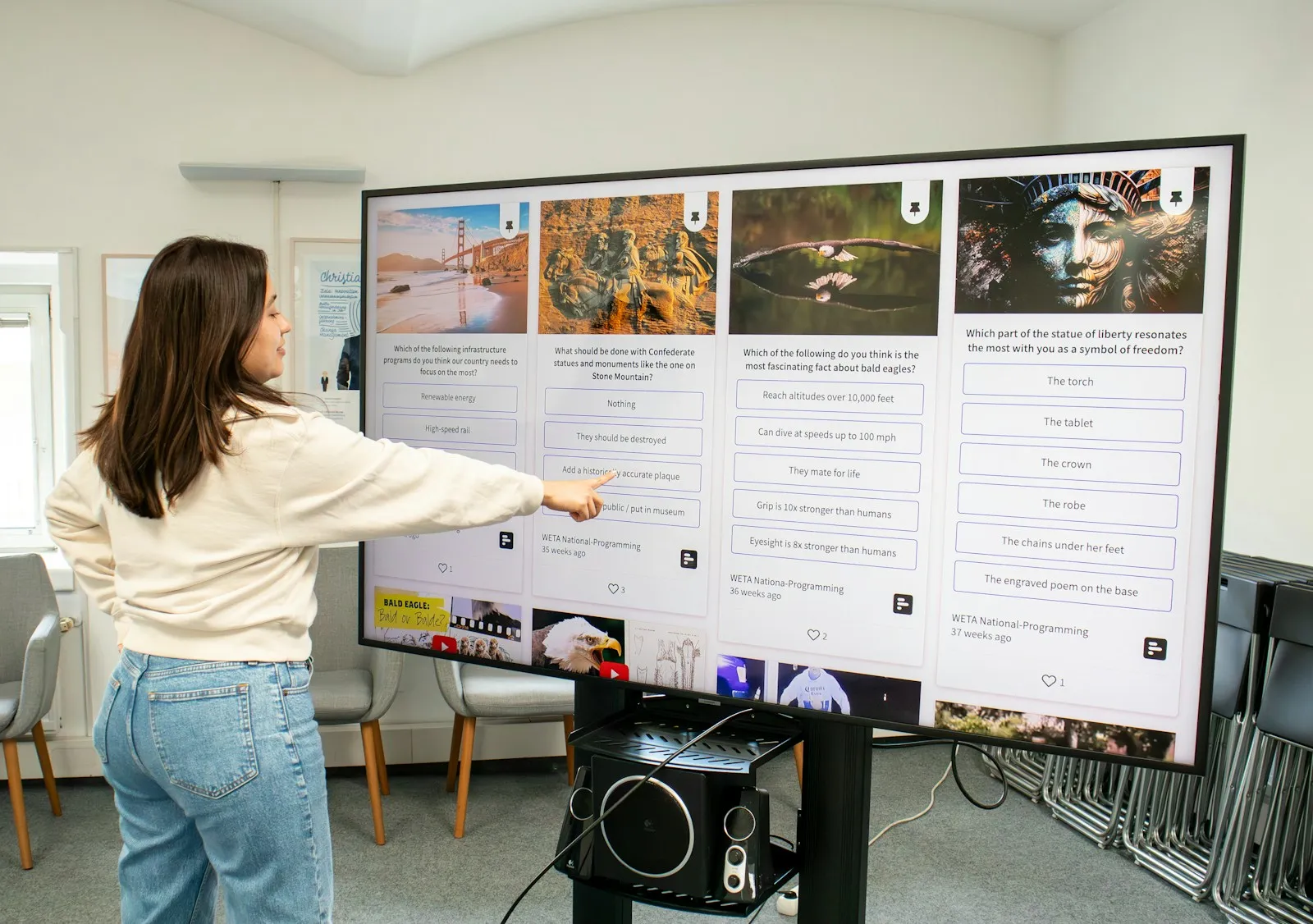
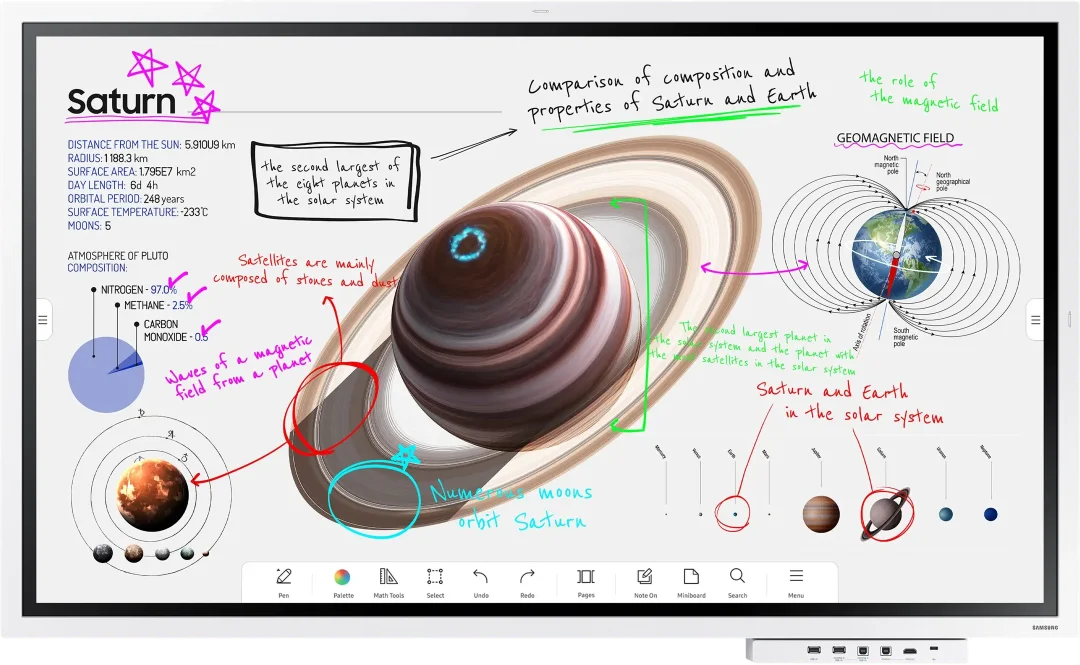
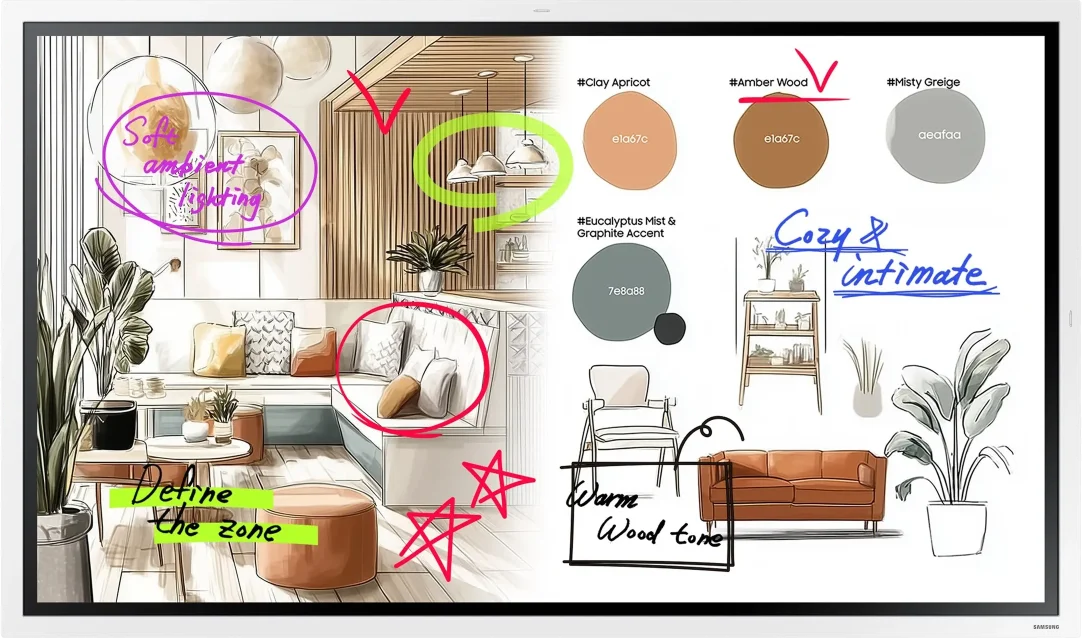
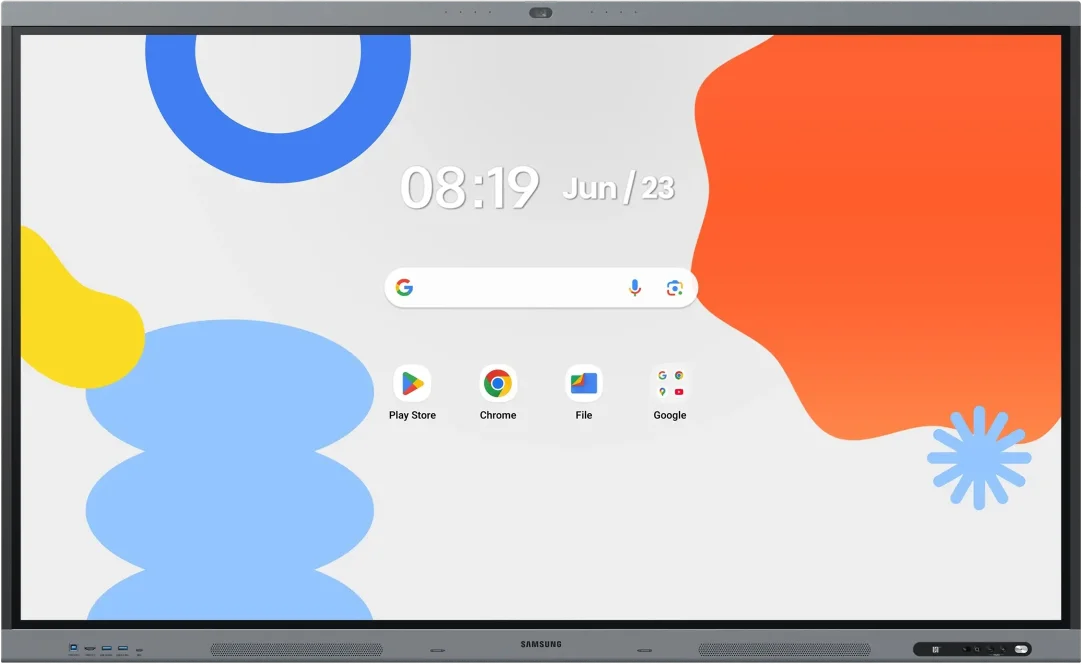
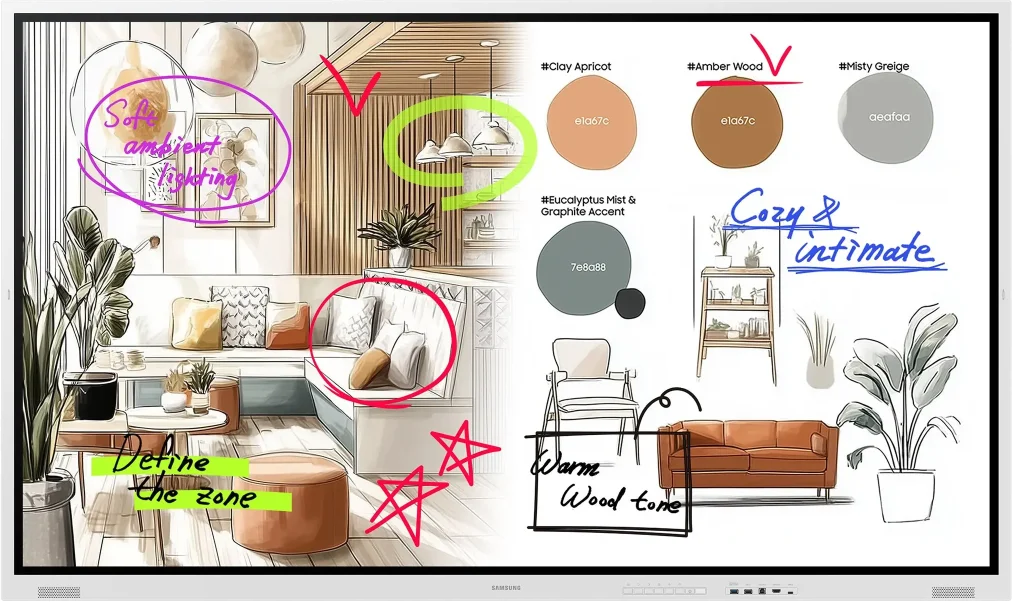
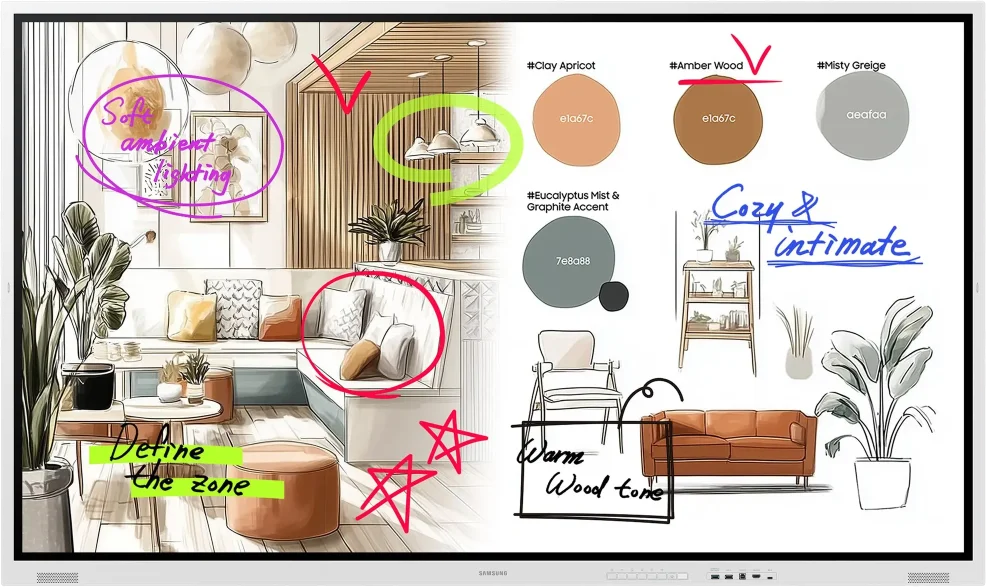
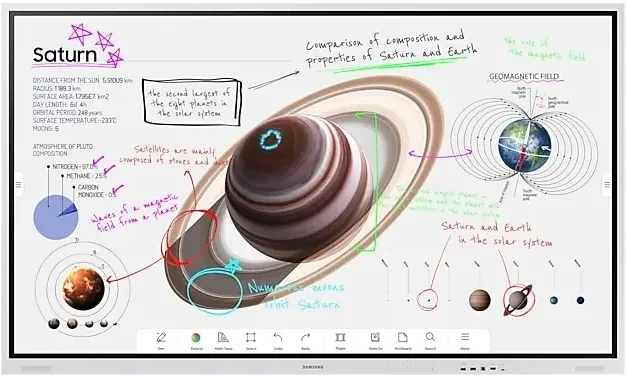
Samsung interactive displays combine a whiteboard, a large screen and wireless sharing from a laptop or phone in one device. Write with a pen or a finger, work as a group in front of the screen and show content without looking for a cable.
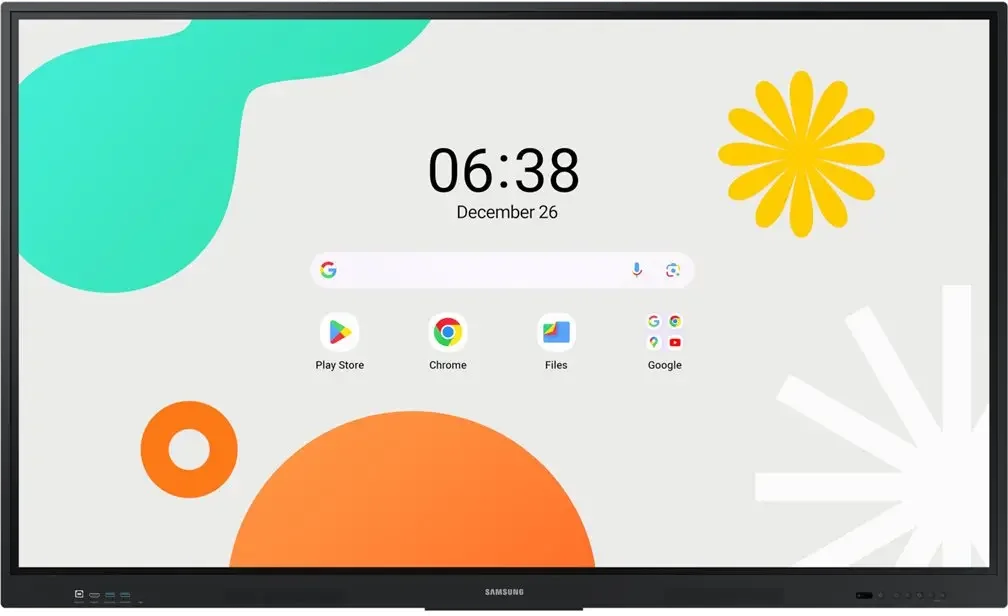
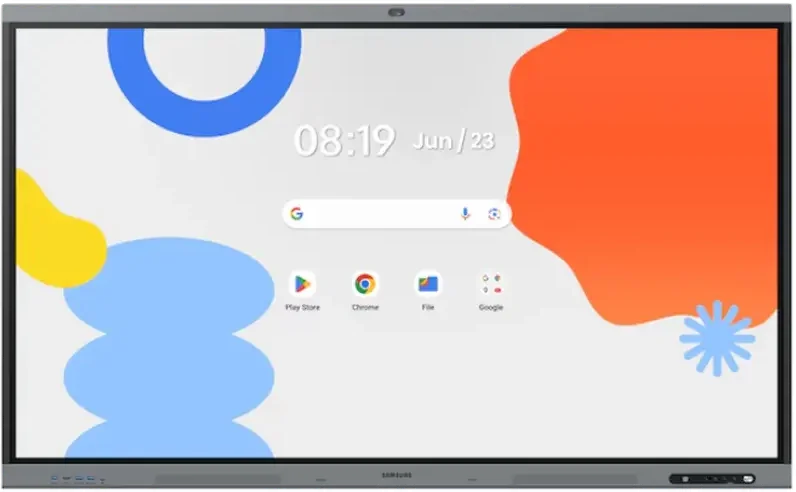
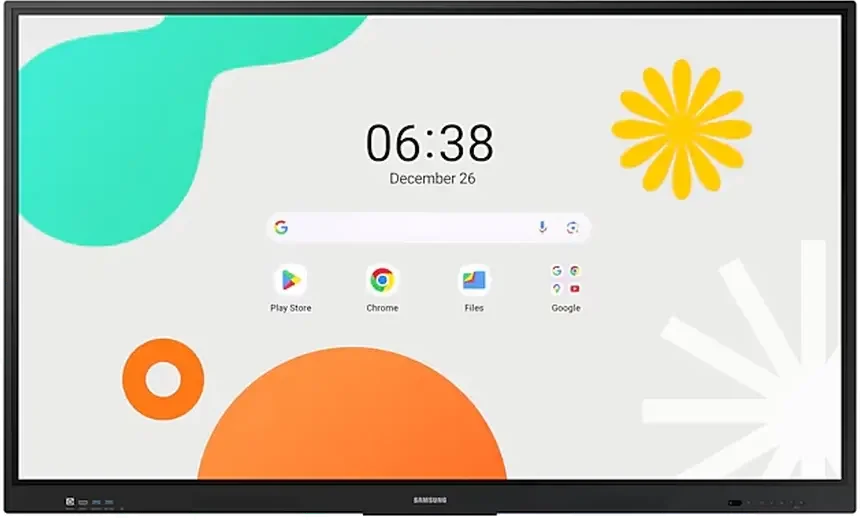
The catalogue has four series: Samsung Flip Pro (WM-B) with Tizen 6.5, the new Samsung Flip Pro (WM-F) generation with Tizen 9.0, the Samsung Interactive Display WAF with Android 14 and the Samsung Interactive Display WAFX-P with Android 15, a built-in camera and microphones for video meetings.
- models
- 14
- Diagonal
- 55–86″
- nit maximum brightness
- 450
- In stock
- 7
14 of 14 models
-
Interactive DisplaysLast units -
Interactive DisplaysIn stock Samsung WM55F
55″ · 450 nit · 12/7 · 4K UHD · touch €1,119.98incl. VAT Quote Buy at Xtreme.bg -
Interactive DisplaysIn stock Samsung WM65B
65″ · 350 nit · 16/7 · 4K UHD · touch €2,251.00incl. VAT Quote Buy at Xtreme.bg -
Interactive DisplaysIn stock Samsung WM65F
65″ · 450 nit · 12/7 · 4K UHD · touch €1,434.98incl. VAT Quote Buy at Xtreme.bg -
Interactive DisplaysIn stock Samsung WA75FP
75″ · 450 nit · 12/7 · 4K UHD · touch €2,599.00incl. VAT Quote Buy at Xtreme.bg -
Interactive DisplaysIn stock Samsung WM75F
75″ · 450 nit · 12/7 · 4K UHD · touch €2,270.00incl. VAT Quote Buy at Xtreme.bg -
Interactive DisplaysIn stock Samsung WM85F
85″ · 450 nit · 12/7 · 4K UHD · touch €3,309.98incl. VAT Quote Buy at Xtreme.bg -
Interactive DisplaysOn order Samsung WA65F
65″ · 400 nit · 12/7 · 4K UHD · touch €1,194.21incl. VAT Quote -
Interactive DisplaysOn order Samsung WA65FP
65″ · 450 nit · 12/7 · 4K UHD · touch €1,928.00incl. VAT Quote -
Interactive DisplaysOn order Samsung WA75F
75″ · 400 nit · 12/7 · 4K UHD · touch €1,417.49incl. VAT Quote -
Interactive DisplaysOn order Samsung WM75B
75″ · 350 nit · 16/7 · 4K UHD · touch €2,039.00incl. VAT Quote -
Interactive DisplaysOn order Samsung WM85B
85″ · 350 nit · 16/7 · 4K UHD · touch €2,768.00incl. VAT Quote -
Interactive DisplaysOn order Samsung WA86F
86″ · 400 nit · 12/7 · 4K UHD · touch €1,896.00incl. VAT Quote -
Interactive DisplaysOn order Samsung WA86FP
86″ · 450 nit · 12/7 · 4K UHD · touch €3,671.55incl. VAT Quote
No models match these filters
Remove a filter or write to us — we will suggest a suitable alternative.
Clear filtersModel comparison
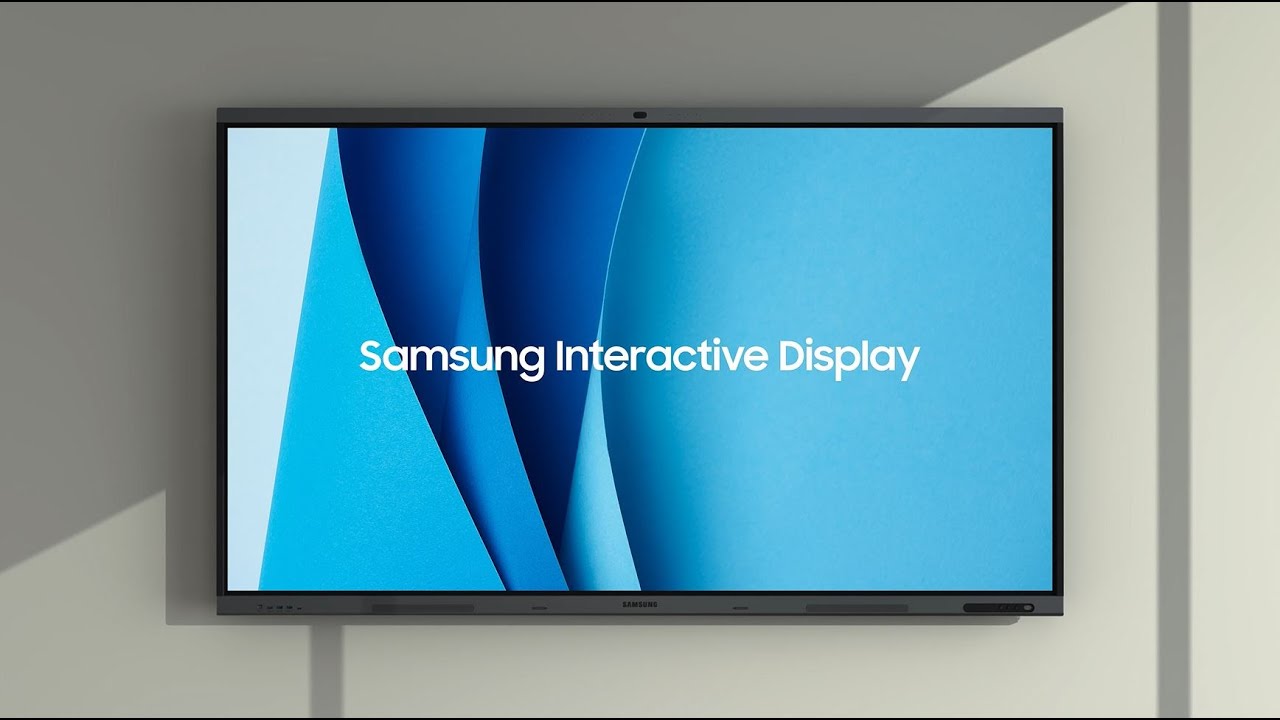
Video
Interactive Displays in action
Buying guide
What to check before you buy
The four series at a glance
| Flip Pro (WM-B, 2022) | Flip Pro (WM-F, 2025) | WAF | WAFX-P | |
|---|---|---|---|---|
| Operating system | Tizen 6.5 | Tizen 9.0 | Android 14 | Android 15 (Google EDLA) |
| Sizes in the catalogue | 55″, 65″, 75″, 85″ | 55″, 65″, 75″, 85″ | 65″, 75″, 86″ | 65″, 75″, 86″ |
| Brightness | 350 nit | 450 nit | 400 nit | 450 nit |
| Touch | IR, 20 points | IR, 20 points | IR | IR, 40 points (50 with Windows via OPS or an external PC) |
| Camera and microphones | none | none | none | 48 MP camera, 8 microphones |
| Operation | 16/7 | 12/7 | 12/7 | 12/7 |
All models have 4K UHD resolution (3840 × 2160).
How to choose
Ecosystem: Tizen or Android
Both Flip Pro generations run Tizen, the platform of Samsung professional displays, protected by Samsung Knox. They suit rooms where the main tasks are writing, annotating over content and wireless presenting from a laptop. WAF and WAFX-P run Android. WAFX-P runs Android 15 and is Google EDLA certified, so it has access to Google services such as Google Classroom and Google Drive. It suits schools and companies that already work with Google. WAF runs Android 14 and has no camera — the more affordable of the two Android options.
Video meetings
WAFX-P has a built-in 48 MP camera with auto framing and a privacy cover, 8 microphones and a front USB-C port that carries video and touch and charges a laptop with up to 65 W. A hybrid meeting room therefore needs no separate camera. Flip Pro and WAF have no camera — add an external USB camera or a video bar when needed.
Writing and group work
Flip Pro (WM-B and WM-F) lets four people write at the same time, and WAFX-P recognises up to 40 touch points on its built-in Android and up to 50 with Windows via OPS or an external PC. The new Flip Pro generation (WM-F) senses 2,048 pressure levels, erases with the palm and has an AI feature that converts handwriting into text. Flip Pro and WAFX-P come with two passive pens in the box.
Wireless presenting
Both Flip Pro generations support Samsung SmartView+, AirPlay 2 and Miracast, so content from Windows, macOS, iOS and Android is shown without a cable. WAFX-P shows up to 9 devices at the same time.
Size and mounting
Classrooms usually get 75″, 85″ or 86″, small meeting rooms 55″ or 65″. The distance to the last row and the ceiling height decide. The display can go on the wall or on a mobile stand that moves between rooms. Portrait mode is supported by Flip Pro (WM-F) in the 55″ and 65″ sizes.
What to prepare for the quote
- number of rooms and the approximate size of each;
- wall or mobile stand, type of wall;
- whether video meetings (Teams, Zoom, Google Meet) must run on the display itself;
- which devices will connect — Windows or macOS laptops, tablets, phones.
Questions
Do I need a computer for the interactive display to work?
No. Both Flip Pro generations (WM-B and WM-F) have a built-in whiteboard, a web browser and access to Microsoft 365 in the browser. WAF runs Android 14, and WAFX-P runs Android 15 with apps from Google Play. You connect a computer or laptop when you need specific Windows or macOS software.
Can I control my laptop by touching the display?
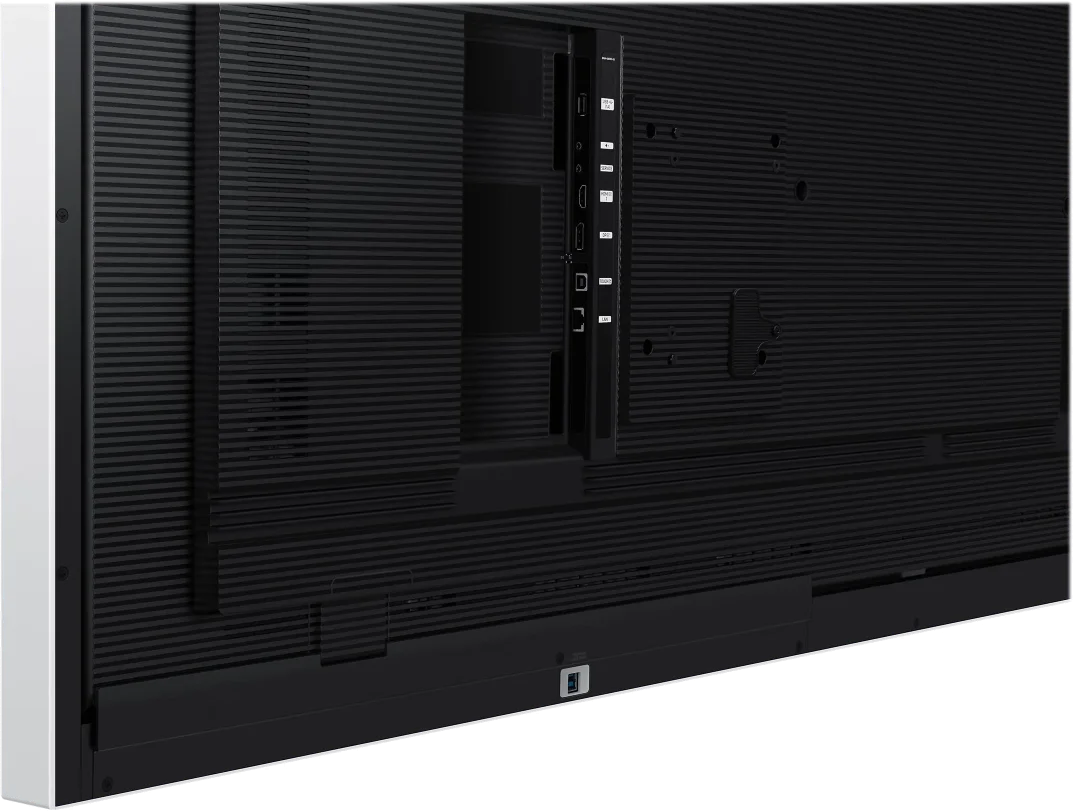
Yes. Connect the laptop with HDMI for the picture and with a USB cable to the Touch Out port — the finger and the pen then work as a mouse. A single USB-C cable is simpler: Flip Pro WM75B and WAFX-P have a front USB-C port that carries picture and touch and charges the laptop with up to 65 W. Flip Pro WM85B, WM75F and WM85F also have a front USB-C port.
On Flip Pro WM55B, WM65B, WM55F and WM65F, USB-C is added with the Flip Pro Tray module, sold separately.
Can a Windows PC be built into the display?
Yes, on the models with an OPS slot: Flip Pro WM75B and WM85B, Flip Pro WM75F and WM85F, and WAFX-P (65″, 75″ and 86″). An OPS module is a computer in a card format that slides into the display and is sold separately. On WAFX-P, 50-point touch works with Windows via OPS or with an external computer. For the WAF series we will confirm the OPS slot in the quote.
Do the pens need charging?
No. The pens are passive — they have no battery and are not paired with the display. Flip Pro and WAFX-P come with two in the box. Flip Pro pens have a magnet, and each WAFX-P pen has two tips for two colours or tools. You can also write with a finger.
How heavy is the display and what wall or stand does it need?
According to the manufacturer's data, the models weigh from about 29 kg (55″) to about 75 kg (Flip Pro WM85B): 65″ 36–40 kg, 75″ 49–60 kg, 85″ and 86″ 62–75 kg. You need a load-bearing wall or a stand rated for the weight and the model's VESA size. Samsung offers wall mounts for Flip Pro and a floor stand for the 55″ models; WAF and WAFX-P mount on standard VESA mounts (600 × 400 mm for 65″, 800 × 400 mm for 75″ and 800 × 600 mm for 86″).
Can you equip several classrooms or meeting rooms at once?
Yes. Describe the rooms in the quote form and you will get a proposal with the displays, mounts and installation. We deliver across Bulgaria, install and set up, issue an invoice, and payment is by bank transfer, card or cash. The displays come with the manufacturer's warranty. More for schools in the education solutions.