
Solution · Corporate Offices
Corporate Offices
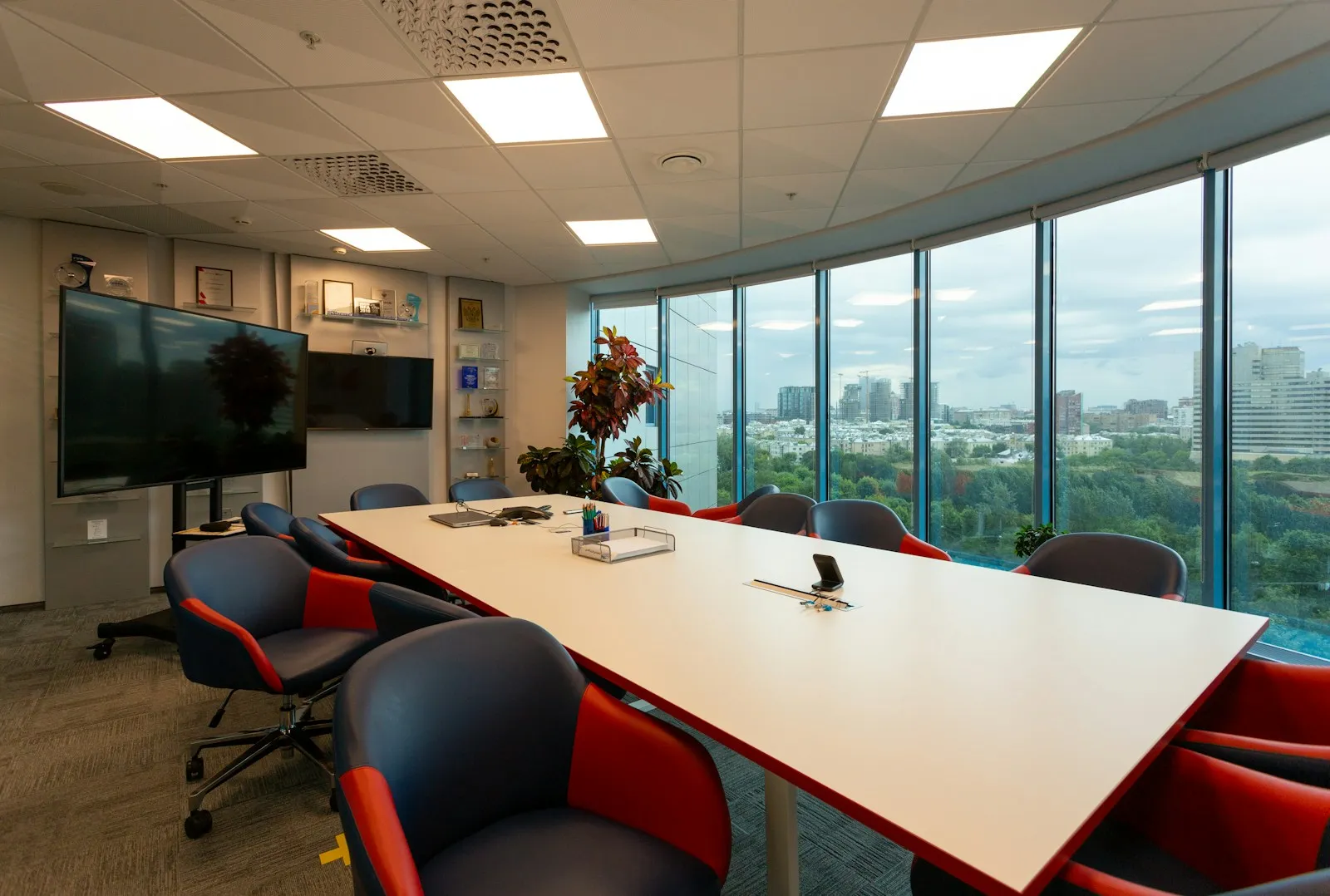
In the office, screens save time in meetings, present the company to visitors and keep the team informed. A well-equipped room lets a presentation start without cables, and remote participants see and hear everything.
Where screens help in the office
Meeting rooms and hybrid meetings
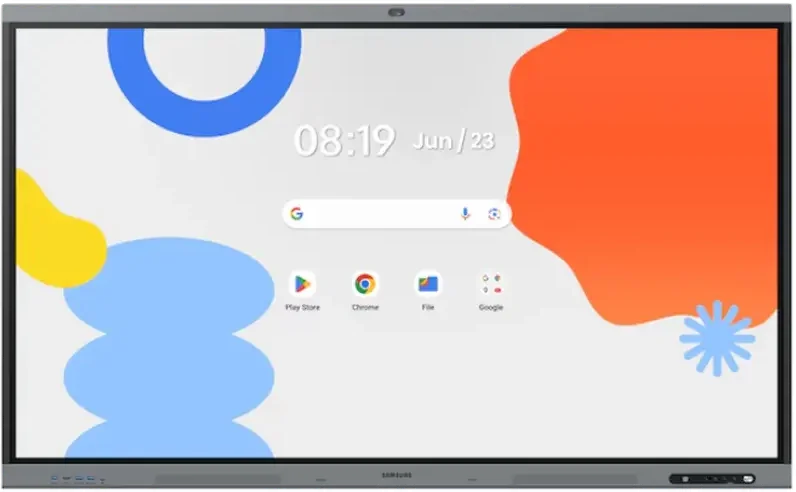
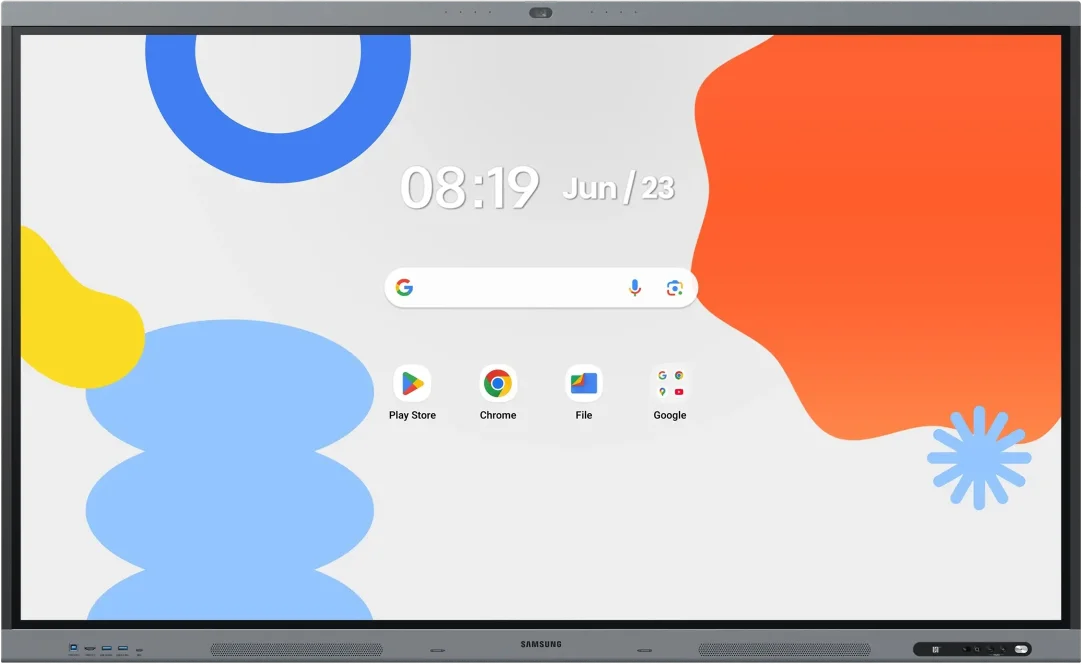
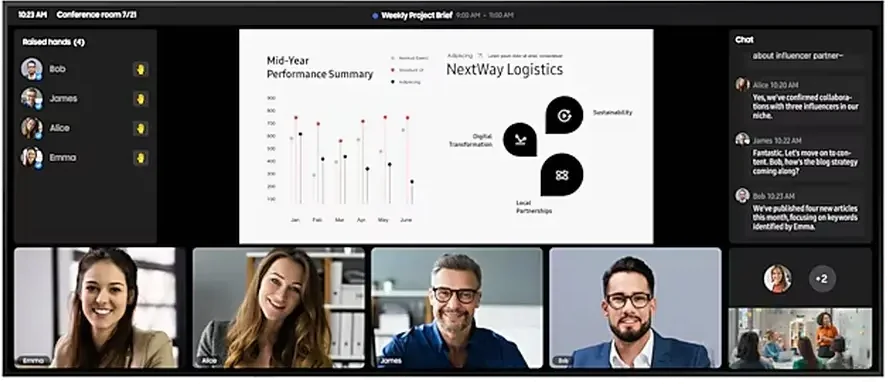
The Samsung WAFX-P interactive display has a built-in 48 MP auto-framing camera, 8 microphones and a USB-C port that charges the laptop. A small video meeting room needs no extra equipment. Flip Pro (WM-F and the previous WM-B generation) suits rooms where the main tasks are writing and wireless sharing from a laptop.
Large video conferencing rooms
QP105D (QPDX-5K series) is a 105″ display in 21:9 format with 5K resolution. Samsung optimised it for the Microsoft Teams Front Row layout, which puts remote participants at eye level in the room. For a classic 16:9 format see the UHD displays up to 115″.
Reception and lobby
A video wall or LED screen presents the company to visitors. A smaller space is fine with a large UHD display.
Internal communication
Screens in corridors, the kitchen or production show news, results and announcements. Content is managed centrally with Samsung VXT or MagicINFO.
What to plan for
- number and size of rooms and which video meeting platforms you use;
- which laptops connect — Windows or macOS;
- IT requirements for network and security;
- who will maintain the content on the screens.
Recommended displays for corporate offices
All products →-
Interactive DisplaysIn stock -
Interactive DisplaysIn stock Samsung WM75F
75″ · 450 nit · 12/7 · 4K UHD · touch €2,270.00incl. VAT Quote Buy at Xtreme.bg -
Interactive DisplaysOn order Samsung WA65FP
65″ · 450 nit · 12/7 · 4K UHD · touch €1,928.00incl. VAT Quote -
Interactive DisplaysIn stock Samsung WA75FP
75″ · 450 nit · 12/7 · 4K UHD · touch €2,599.00incl. VAT Quote Buy at Xtreme.bg -
Video WallsOn order Samsung VM55C-R
55″ · 500 nit · 24/7 · Full HD Price on request Quote -
UHD DisplaysIn stock Samsung QP105D
105″ · 500 nit · 24/7 · 5K €7,259.00incl. VAT Quote Buy at Xtreme.bg -
UHD DisplaysOn order Samsung QH115
115″ · 1000 nit · 24/7 · 4K UHD €14,119.78incl. VAT Quote -
UHD DisplaysIn stock Samsung QM85C
85″ · 500 nit · 24/7 · 4K UHD €2,846.00incl. VAT Quote Buy at Xtreme.bg



Try it yourself
Interactive display
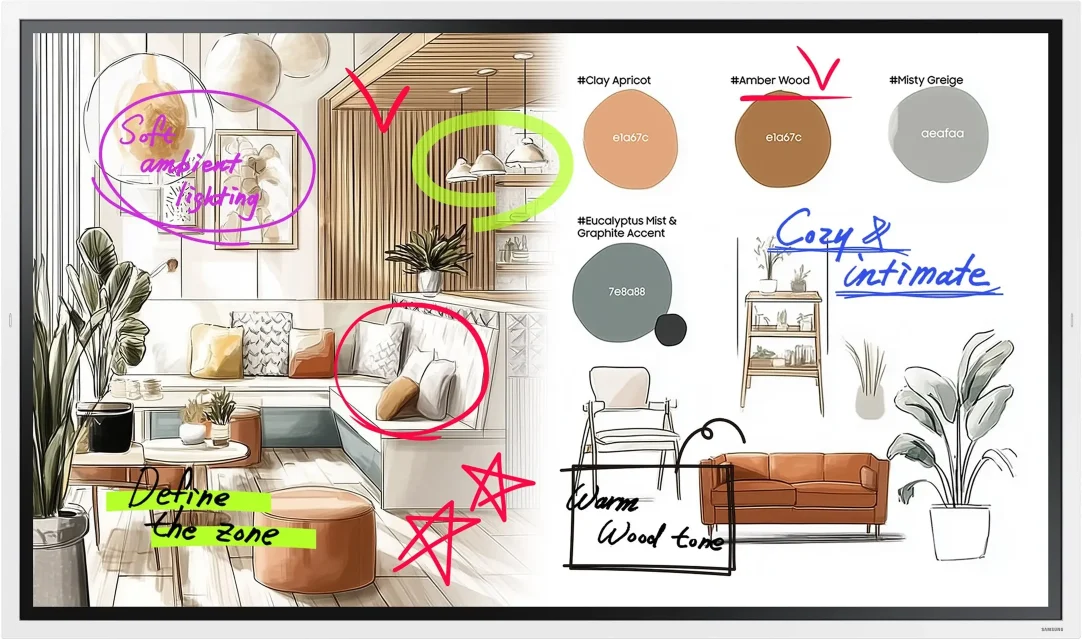
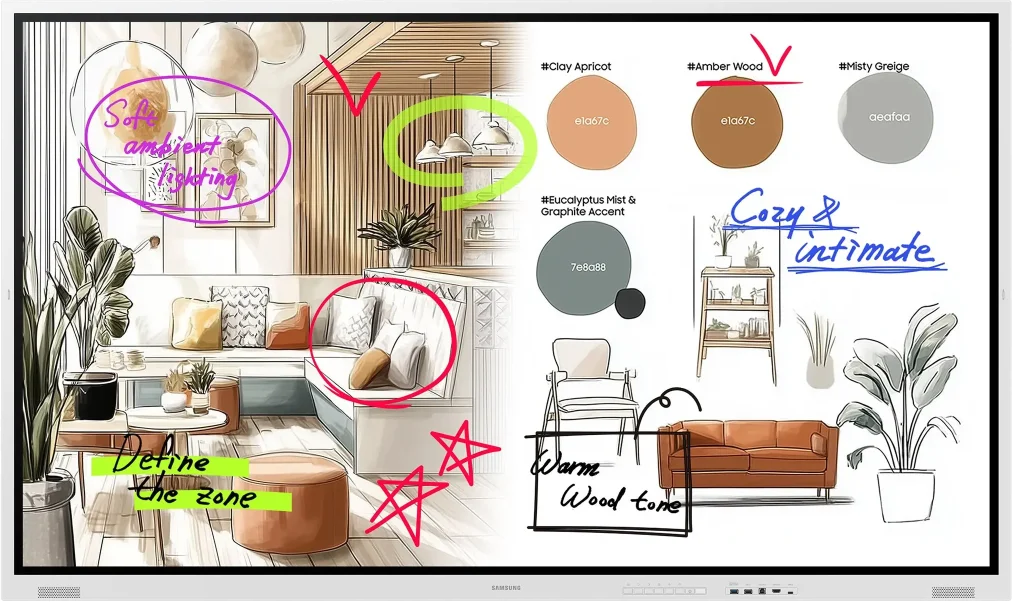
Draw with a mouse or a finger — this is how the Samsung Flip Pro and WAFX-P interactive displays work.
Marker colour
Draw something here
How a project runs
- 01ConsultationWe learn the place, the task and the budget.
- 02ProposalWe pick models, mounts and software and send an offer.
- 03Delivery and installationWe deliver, install and set up the screens.
- 04Training and supportWe show your team how to manage the content and stay on call.
Questions about corporate offices
How do we present from a laptop without a cable?
Flip Pro (WM-F and WM-B) supports Samsung SmartView+, AirPlay 2 and Miracast, so a Windows or macOS laptop, a tablet or a phone shows its screen without a cable. WAFX-P shows up to 9 devices at the same time — handy when several participants compare material. If IT restricts wireless connections, an HDMI cable still works.
Do we need an interactive display, or is an ordinary one enough?
If the room is used only to show presentations and video, a professional UHD display is enough — for example from the QB-C series for daytime use. An interactive display pays off when the team writes and annotates over the material, works in front of the screen several at a time and saves the meeting notes as a file.
Flip Pro has no camera — how do we hold video meetings?
Add an external USB camera or a video bar and keep using the video meeting platform the team already works with. If you want everything in one device, WAFX-P has a built-in camera and microphones. Tell us in the request which platform you use — we will check compatibility for the specific model.
Can we put schedule signs in front of the meeting rooms?
Yes. For a door sign the colour e-Paper display EM13DX (13.3″) fits well. It runs on a battery, connects over Wi-Fi and needs no cable to a socket. Content is sent from the Samsung E-Paper app or through VXT. If the sign must show bookings from Outlook or Google Calendar automatically, say so in the request — this needs additional software, and we will check compatibility.
Our lobby is glazed and very bright — which screen should we choose?
In strong daylight an ordinary display loses contrast. For a bright lobby choose QH-C with 700 nit or QH115 — 115″ with 1000 nit. For a video wall, the VH LCD panels have 700 nit. If the screen must be seen from outside through the glass, you need a window display.
Are the prices with VAT and how can we pay?
Yes. Prices on the site include VAT (20 %), and the product page also shows the price without VAT. Most models can be bought directly at xtreme.bg. We issue an invoice to your company, and you can pay by bank transfer, card or cash. To equip several rooms, send a request for a combined offer.
Light up your project
Tell us how many rooms and screens you want to equip — we will send a specific proposal.