
Solution · Education
Education
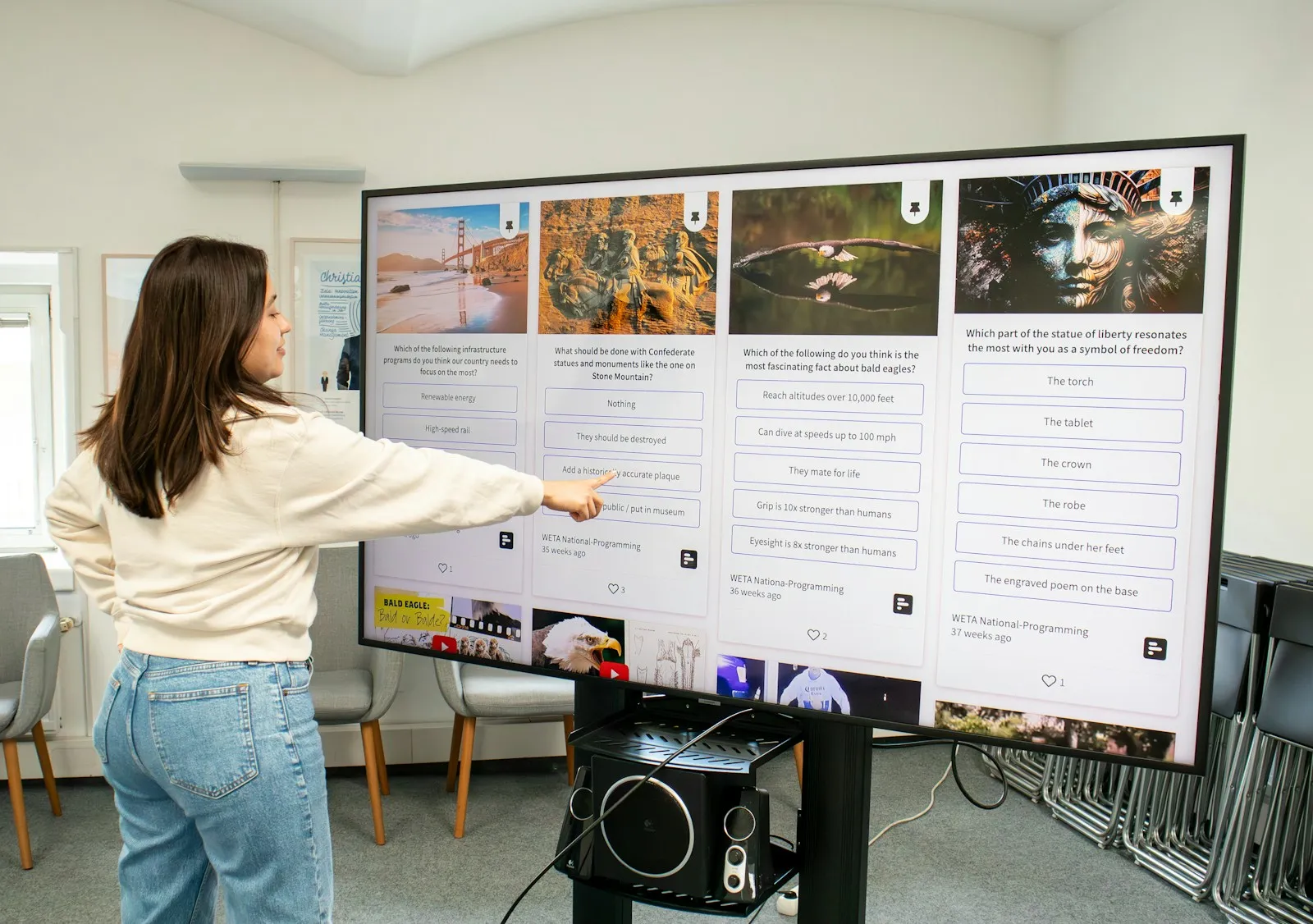
An interactive display replaces the whiteboard and the projector with one bright screen on which the teacher writes, plays video and opens materials from a laptop or the cloud. Several students can work on it at the same time.
Besides classrooms, screens help in the lobby, the assembly hall and the corridors — for timetables, announcements and information for parents and visitors.
Choose your segment
- 01 / 04 Schools Interactive displays in classrooms and information screens in the lobby. Read more →
- 02 / 04 Kindergartens Touch screens for games and activities and information for parents at the entrance. Read more →
- 03 / 04 Universities Lecture halls, hybrid lectures and information screens on campus. Read more →
- 04 / 04 Training Centres Rooms for small groups, hybrid courses and presentations. Read more →
Where screens help in education
Classrooms and labs
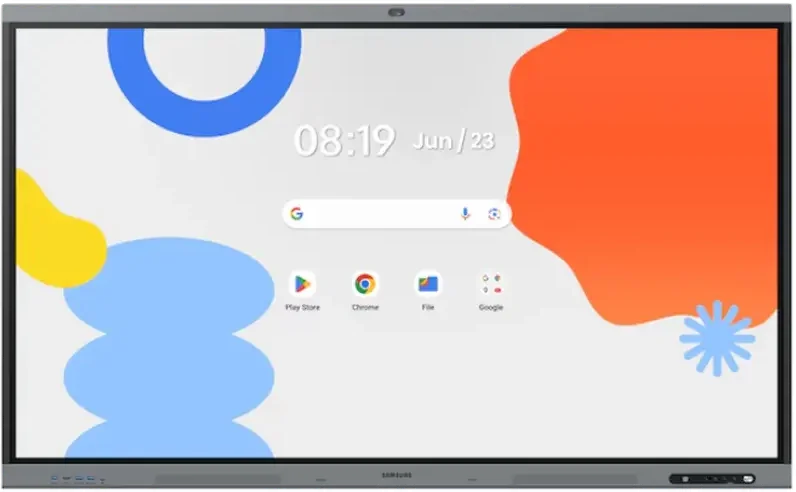
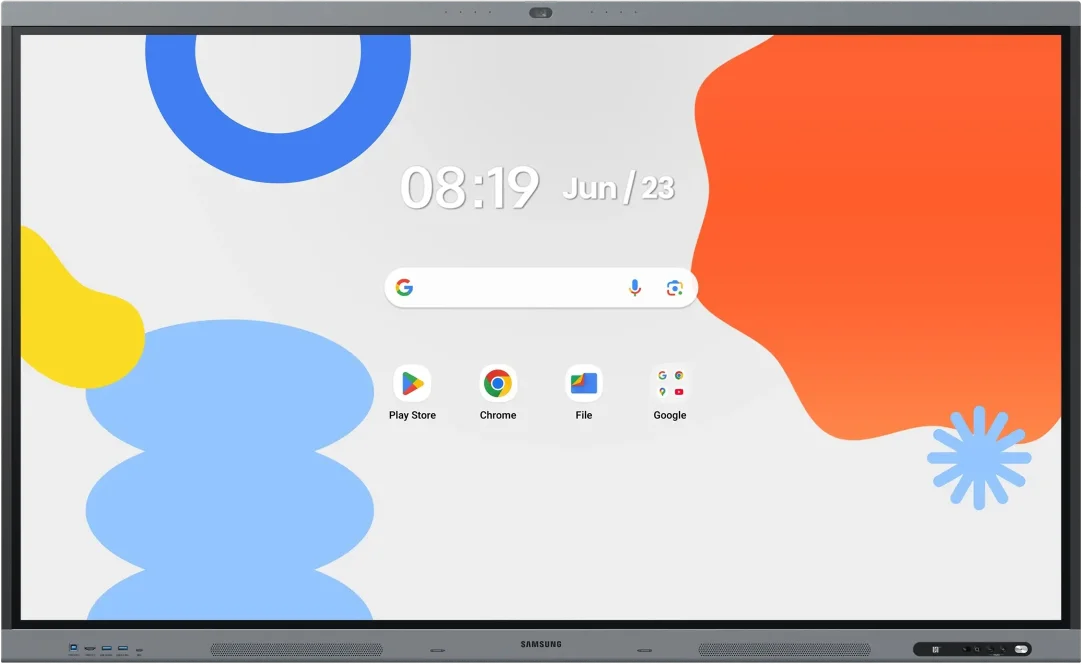
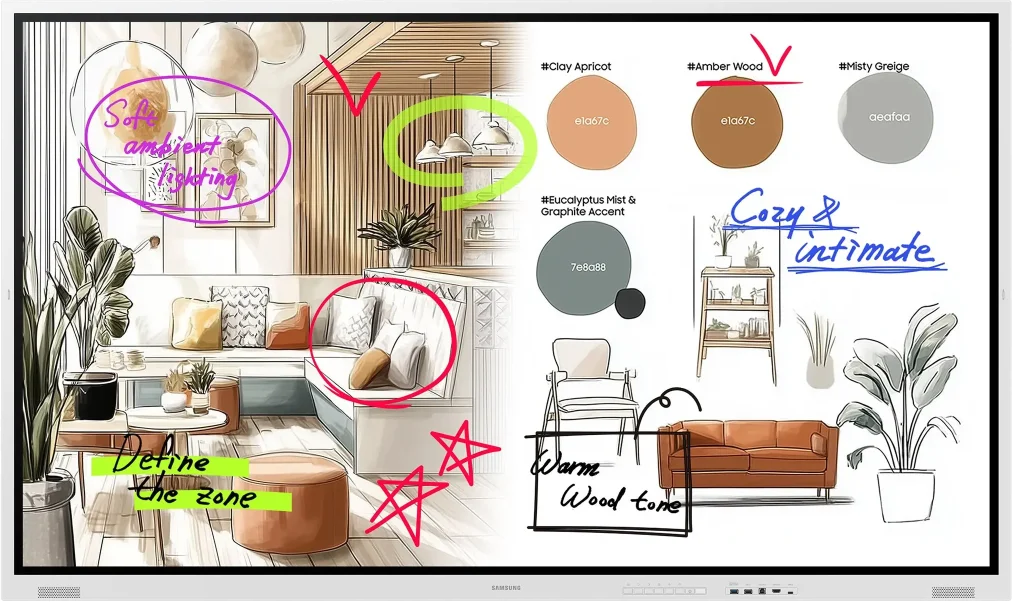
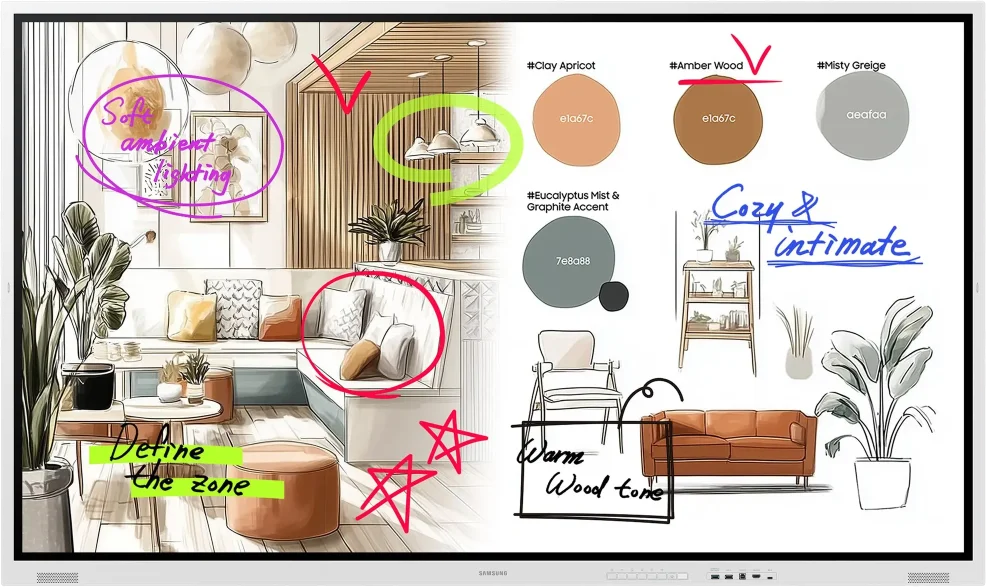
Samsung interactive displays have a bright 4K screen that is easy to see with the lights on, with no need to darken the room. The teacher shows the material from a laptop without a cable and writes over it. With WAFX-P, which has a camera and microphones, the lesson can also be streamed online.
Lobby, corridors and assembly hall
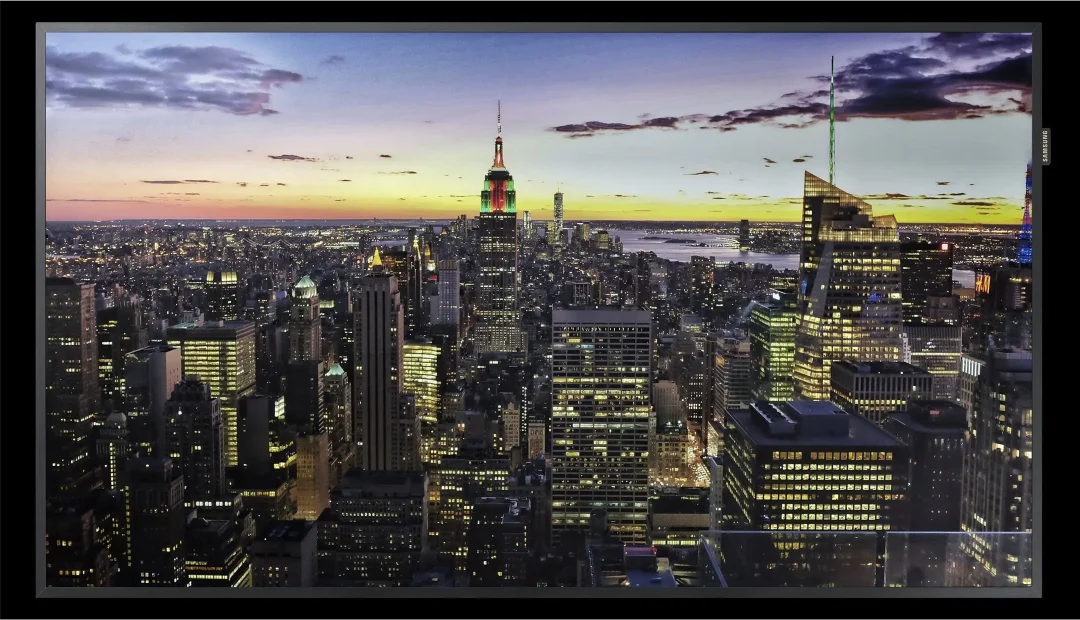
Professional UHD displays show the timetable, announcements, student achievements and information for parents. Content is changed from one place for all screens in the building.
Room and office signs
Colour e-Paper signs run on a battery and use no power while showing a static image. They suit a room or office schedule, with no cables on the walls.
What to plan for
- number and size of rooms — they decide the display size;
- wall mounting or a mobile stand if the display moves between rooms;
- Wi-Fi or wired network in the rooms;
- teacher training — we show the main functions at handover.
Recommended displays for education
All products →-
Interactive DisplaysOn order -
Interactive DisplaysIn stock Samsung WA75FP
75″ · 450 nit · 12/7 · 4K UHD · touch €2,599.00incl. VAT Quote Buy at Xtreme.bg -
Interactive DisplaysIn stock Samsung WM65F
65″ · 450 nit · 12/7 · 4K UHD · touch €1,434.98incl. VAT Quote Buy at Xtreme.bg -
Interactive DisplaysIn stock Samsung WM75F
75″ · 450 nit · 12/7 · 4K UHD · touch €2,270.00incl. VAT Quote Buy at Xtreme.bg -
Interactive DisplaysIn stock Samsung WM85F
85″ · 450 nit · 12/7 · 4K UHD · touch €3,309.98incl. VAT Quote Buy at Xtreme.bg -
UHD DisplaysIn stock Samsung QB55C
55″ · 350 nit · 16/7 · 4K UHD €815.00incl. VAT Quote Buy at Xtreme.bg -
UHD DisplaysIn stock Samsung QB65C
65″ · 350 nit · 16/7 · 4K UHD €1,076.00incl. VAT Quote Buy at Xtreme.bg -
e-Paper DisplaysIn stock Samsung EM13DX
13.3″ · 24/7 · UXGA €488.99incl. VAT Quote Buy at Xtreme.bg


Try it yourself
Interactive display
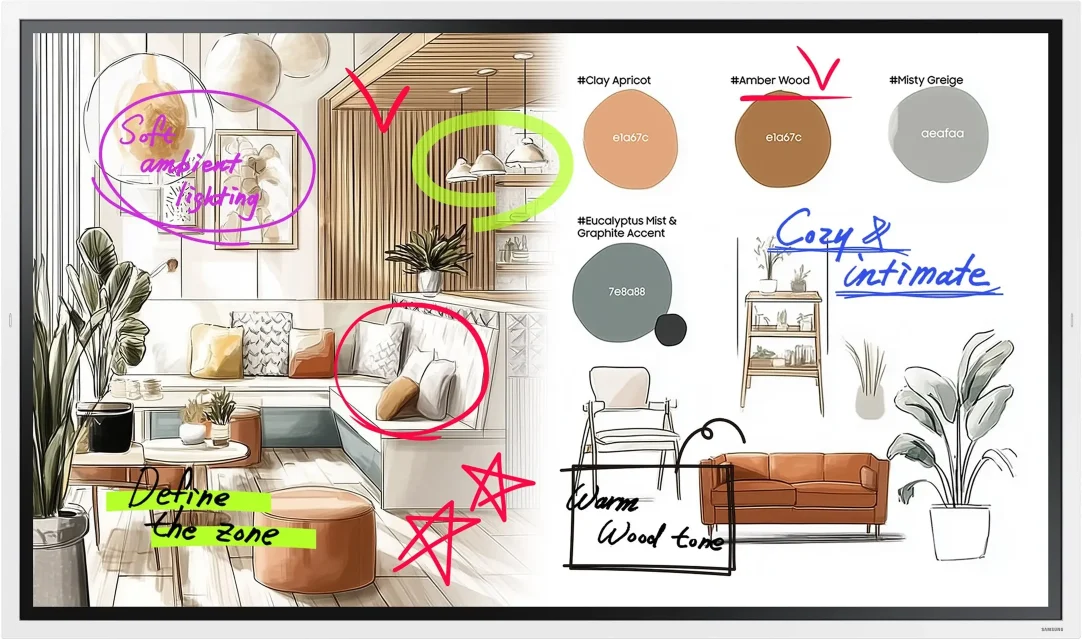
Draw with a mouse or a finger — this is how the Samsung Flip Pro and WAFX-P interactive displays work.
Marker colour
Draw something here
How a project runs
- 01ConsultationWe learn the place, the task and the budget.
- 02ProposalWe pick models, mounts and software and send an offer.
- 03Delivery and installationWe deliver, install and set up the screens.
- 04Training and supportWe show your team how to manage the content and stay on call.
Questions about education
Interactive display or projector — which suits a classroom better?
Unlike most projectors, an interactive display needs no lamp or filter replacement, casts no shadow when the teacher stands in front of the picture, and touch is built into the screen itself. A projector gives a larger image for less money, so it remains an option for large halls. For a classroom or a subject room the interactive display is the more practical choice for daily work.
Which series should we choose — Flip Pro (WM-F), Flip Pro (WM-B) or WAFX-P?
- Flip Pro (WM-F) — the new generation (2025) with Tizen 9.0, a web browser and Microsoft 365 in the browser, in sizes from 55″ to 85″, rated for up to 12 hours a day. It suits rooms where the main work is writing and showing content from a laptop.
- Flip Pro (WM-B) — the previous generation (2022) with Tizen 6.5, in sizes from 55″ to 85″, rated for 16/7 operation.
- WAFX-P — Android 15 with Google Play and Google Drive, a 48 MP camera and 8 microphones. For schools that work with Google or also teach online.
A detailed comparison is on the Interactive Displays page.
What display size do the different rooms need?
As a guide: 55″–65″ for a subject room or a small-group room, 75″–85″ for a standard classroom and 98″ or more for an assembly hall or lecture hall. The distance to the last row and the ceiling height decide. Give them in the quote form and we will propose a size for each room.
Do you prepare documents for a public procurement or a funded project?
Yes. We prepare a technical specification with the parameters of the proposed models, a quote with prices excluding and including VAT and the delivery time, as well as the Samsung datasheets. They can be used in public procurement documentation or in the budget of an externally funded project.
How are prices shown and how can we pay?
Prices are in euro including VAT (20 %), and each product page also shows the price without VAT. We issue an invoice to schools, kindergartens, universities and companies. Payment is by bank transfer, card or cash, and most models can be bought directly at xtreme.bg.
How long does it take from the order to a working display in the room?
Stock is shown on each product page. For models that are not in stock, the delivery time is stated in the quote. We agree the installation date with you — for example during the holidays or after lessons, so that teaching is not interrupted.
Light up your project
Tell us how many rooms and screens you want to equip — we will send a specific proposal.