
Solution · Education
Kindergartens
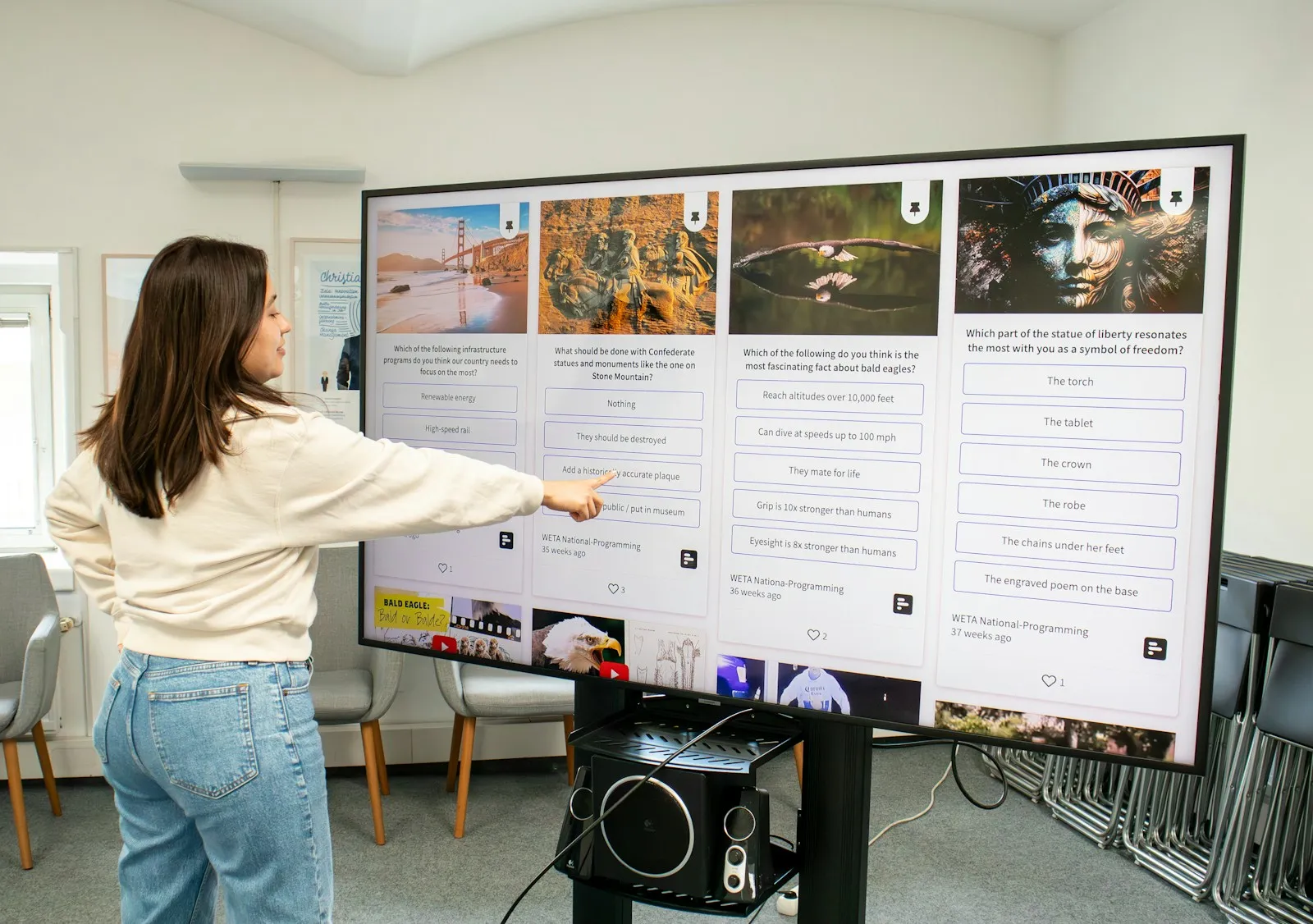
In a kindergarten a large touch screen turns an activity into a game: children draw, sort and discover together. The teacher shows pictures, songs and videos in a bright format the whole group can see.
What we offer kindergartens
Group activities
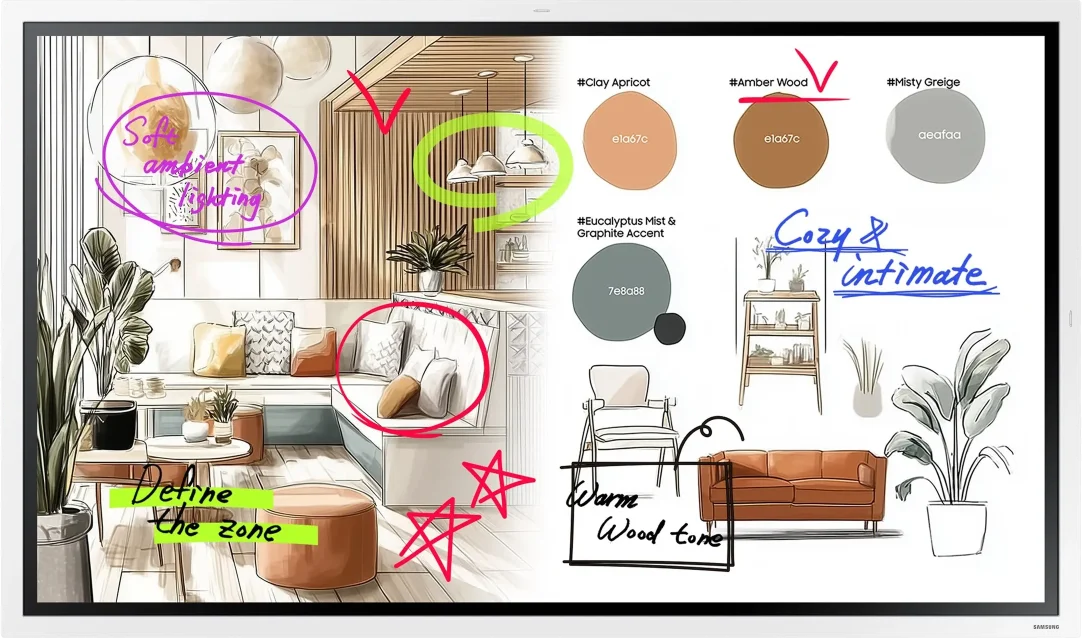
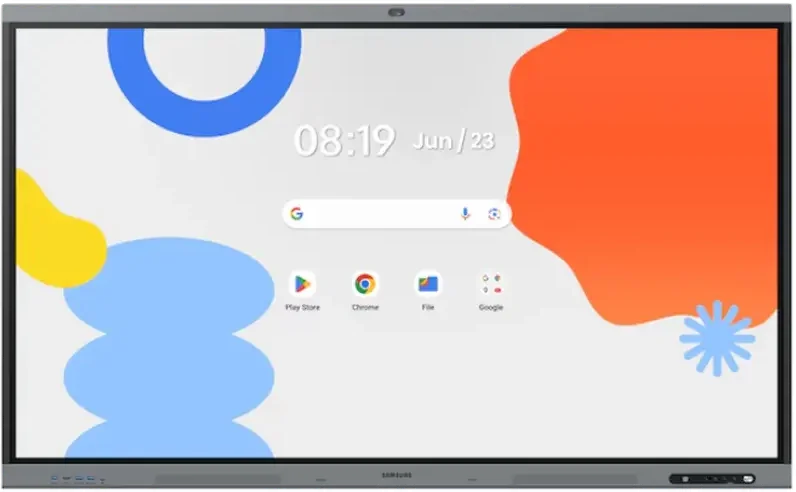
Interactive displays respond to finger touch and let several children draw at the same time. Flip Pro (WM-F) in 55″ or 65″ suits smaller rooms. The 65″ WAFX-P (WA65FP) has Google Play with educational apps and central app management.
Safe mounting
The display must be fixed securely — on the wall or on a stable, height-adjustable mobile stand so that children can reach the screen. Plan the cabling so that it stays out of children's reach.
Information for parents
A UHD display or an e-Paper sign at the entrance shows the menu, events and the day's announcements.
Recommended displays for kindergartens
All products →-
Interactive DisplaysIn stock -
Interactive DisplaysIn stock Samsung WM65F
65″ · 450 nit · 12/7 · 4K UHD · touch €1,434.98incl. VAT Quote Buy at Xtreme.bg -
Interactive DisplaysOn order Samsung WA65FP
65″ · 450 nit · 12/7 · 4K UHD · touch €1,928.00incl. VAT Quote -
UHD DisplaysIn stock Samsung QB50C
50″ · 350 nit · 16/7 · 4K UHD €670.99incl. VAT Quote Buy at Xtreme.bg -
e-Paper DisplaysIn stock Samsung EM32DX
31.5″ · 24/7 · QHD €1,079.99incl. VAT Quote Buy at Xtreme.bg

Try it yourself
Interactive display
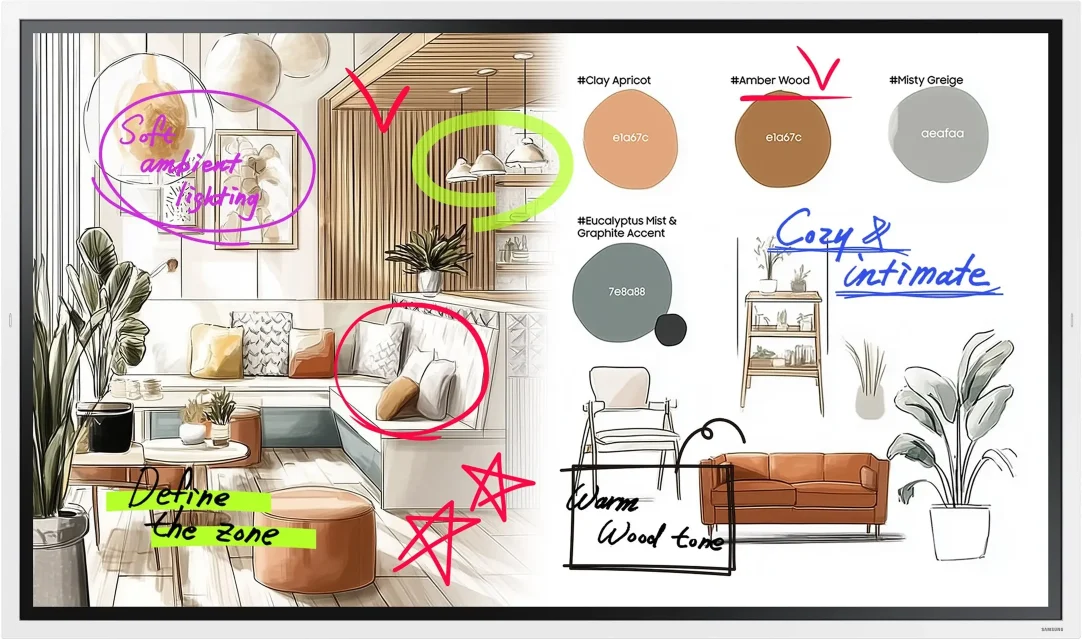
Draw with a mouse or a finger — this is how the Samsung Flip Pro and WAFX-P interactive displays work.
Marker colour
Draw something here
How a project runs
- 01ConsultationWe learn the place, the task and the budget.
- 02ProposalWe pick models, mounts and software and send an offer.
- 03Delivery and installationWe deliver, install and set up the screens.
- 04Training and supportWe show your team how to manage the content and stay on call.
Questions about kindergartens
Is the screen safe when children touch it?
Flip Pro (WM-F) and WAFX-P have protective glass in front of the panel; on WAFX-P it is 3.2 mm thick with 9H hardness. Touch is infrared and needs no pressure, so children work with a light touch of a finger. Activities in front of the screen are best led by the teacher, especially with the youngest groups.
How heavy is the display and what kind of wall can it go on?
A 65″ interactive display weighs about 36–40 kg (WAFX-P 36.3 kg, Flip Pro (WM-F) 39.7 kg), and the 75″ WAFX-P 50.3 kg. It therefore goes on a solid wall (brick or concrete) with a mount for the model's VESA size; on plasterboard a supporting frame or a floor stand is needed. State the type of wall in the quote form.
What apps and activities for children can be used?
WAFX-P is Google EDLA certified and has access to Google Play, from which educational apps are installed. Flip Pro (WM-F) has a whiteboard for drawing and a web browser for educational websites. Pictures, songs and videos can also be played from the teacher's laptop — by cable or wirelessly.
Can we limit what the children have access to?
On WAFX-P the settings and apps are managed centrally with Samsung's device management system, so the display has only the apps you choose. We recommend that the teacher keeps the remote control and the pens.
Does the display work without internet?
Yes. Drawing on the whiteboard and showing content from a laptop over a cable work without an internet connection. Internet is needed for the web browser, cloud services and apps from Google Play. If the group room has no Wi-Fi, the display can also be connected with a network cable.
How is the screen cleaned after the activities?
Switch the display off and wipe the screen with a soft, dry microfibre cloth. Do not spray water or cleaner directly on the screen — if needed, slightly dampen the cloth. Do not use abrasive cleaners, and follow the instructions in the model's manual.
Light up your project
Tell us how many rooms and screens you want to equip — we will send a specific proposal.