
Solution · Education
Universities
At a university, screens serve large auditoriums, seminar rooms and a campus with many buildings. A lecture must be visible from the last row and streamed online, and students must find their room without asking.
What we offer universities
Lecture halls
For large halls the UHD displays QE98C (98″), QM98C, QH98C and QH115 (115″) replace the projector with a bright screen that is visible with the lights on.
Seminar rooms and hybrid lectures
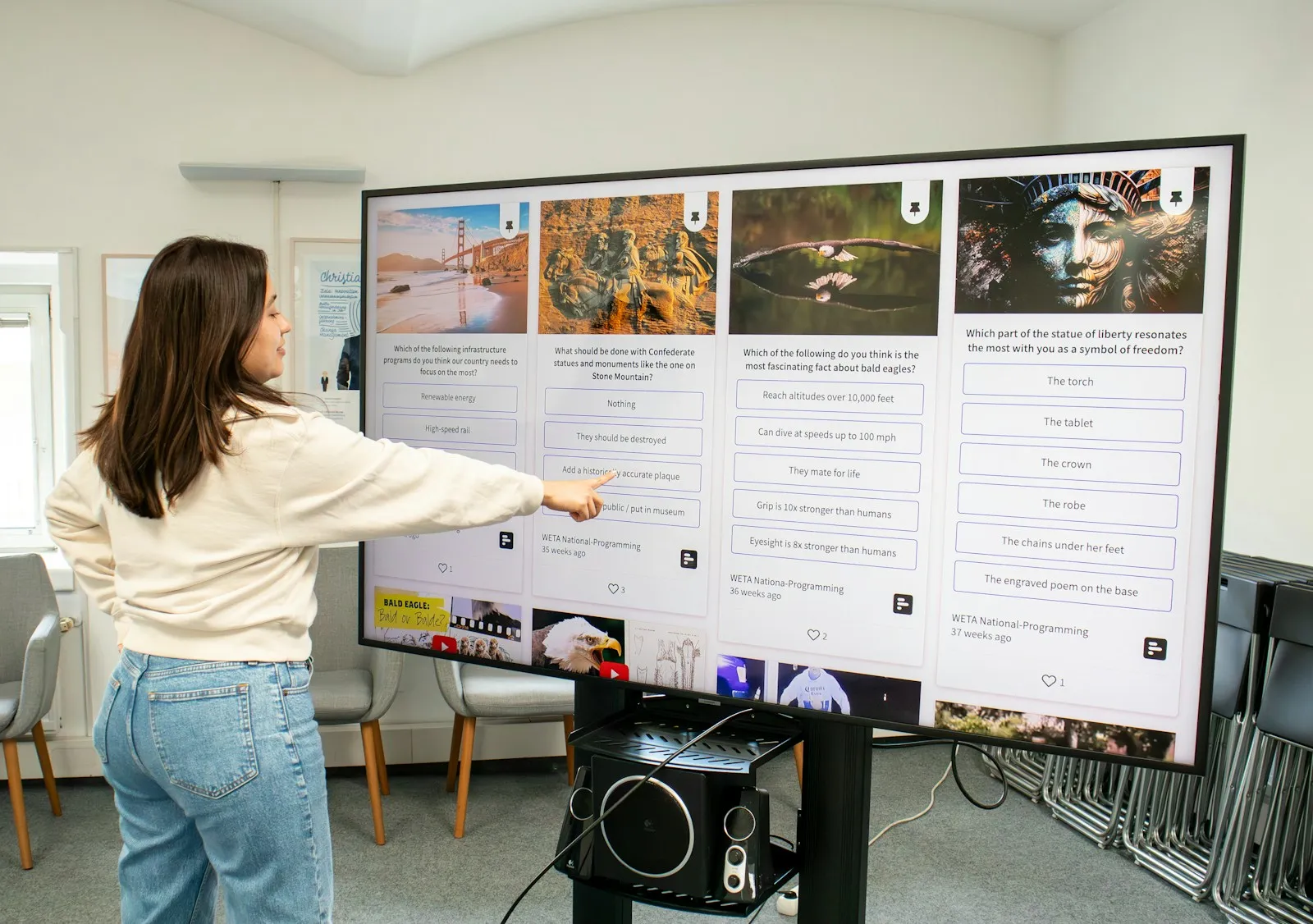
The WAFX-P interactive display has a built-in 48 MP camera and 8 microphones — the lecture is led and recorded from the screen, with no separate camera.
Campus
Screens in the lobbies show the room schedule and announcements, and a video wall in the main lobby presents the university to visitors. e-Paper signs in front of the rooms show the timetable and run on a battery.
Recommended displays for universities
All products →-
Interactive DisplaysIn stock -
Interactive DisplaysOn order Samsung WA65FP
65″ · 450 nit · 12/7 · 4K UHD · touch €1,928.00incl. VAT Quote -
UHD DisplaysOn order Samsung QM98C
98″ · 500 nit · 24/7 · 4K UHD €5,604.00incl. VAT Quote -
UHD DisplaysOn order Samsung QE98C
97.5″ · 450 nit · 16/7 · 4K UHD €3,391.95incl. VAT Quote -
UHD DisplaysIn stock Samsung QH98C
98″ · 700 nit · 24/7 · 4K UHD €6,339.00incl. VAT Quote Buy at Xtreme.bg -
UHD DisplaysOn order Samsung QH115
115″ · 1000 nit · 24/7 · 4K UHD €14,119.78incl. VAT Quote -
Video WallsOn order Samsung VM55C-E
55″ · 500 nit · 24/7 · Full HD Price on request Quote -
e-Paper DisplaysIn stock Samsung EM13DX
13.3″ · 24/7 · UXGA €488.99incl. VAT Quote Buy at Xtreme.bg






Try it yourself
Interactive display
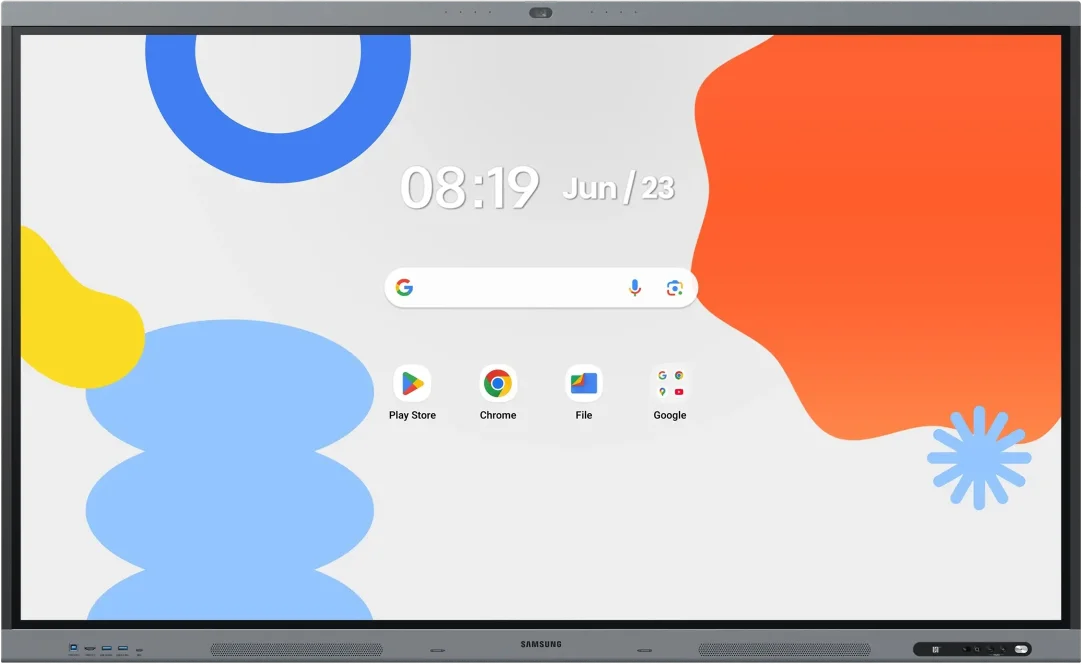
Draw with a mouse or a finger — this is how the Samsung Flip Pro and WAFX-P interactive displays work.
Marker colour
Draw something here
How a project runs
- 01ConsultationWe learn the place, the task and the budget.
- 02ProposalWe pick models, mounts and software and send an offer.
- 03Delivery and installationWe deliver, install and set up the screens.
- 04Training and supportWe show your team how to manage the content and stay on call.
Questions about universities
Can the lecturer write on an interactive display while the picture is shown on a large screen in the hall?
Yes. Flip Pro (WM-F) and WAFX-P have an HDMI output, so what is written on the display next to the lectern is shown at the same time on a large UHD display or on an existing projector. The lecturer writes at the front, and students in the last rows see everything on the big screen.
Which large display suits an auditorium with windows?
With a lot of daylight choose QH98C — 700 nit and a matte finish (haze 25 %) that reduces reflections from the windows. QE98C (450 nit, an almost glossy screen) suits halls with blinds and controlled lighting. For the largest auditoriums there is QH115 (115″, 1000 nit), and for an even bigger image a video wall.
How do students show their laptop in a seminar?
Flip Pro (WM-F) and WAFX-P show up to 9 devices wirelessly. Flip Pro supports AirPlay 2 and Miracast, so Windows laptops and Apple devices connect with their built-in functions, with no extra software. Teams present their work one after another without swapping cables.
How are information screens in several campus buildings managed?
The UHD displays of the QB, QM and QH series work with the Samsung VXT cloud platform — the content and schedule of all screens are changed in a browser from one place, whichever building the screen is in. Each screen needs an internet connection, and VXT licences are bought separately.
What should we choose for a faculty or rector's meeting room with video conferences?
QP105D (QPDX-5K) is a 105″ display in 21:9 format that Samsung optimised for a video conference layout — remote participants and the presentation are visible on one screen at the same time. For a smaller room where people write on the screen and hold hybrid meetings, WAFX-P with its built-in camera and microphones fits.
Do you deliver and install in several buildings or cities?
Yes, we deliver across Bulgaria. Installation is planned room by room and building by building so that it does not disturb teaching. Send a list of the rooms with their size and type of wall through the quote form and you will get one quote for the whole site.
Light up your project
Tell us how many rooms and screens you want to equip — we will send a specific proposal.