
Solution · Education
Schools
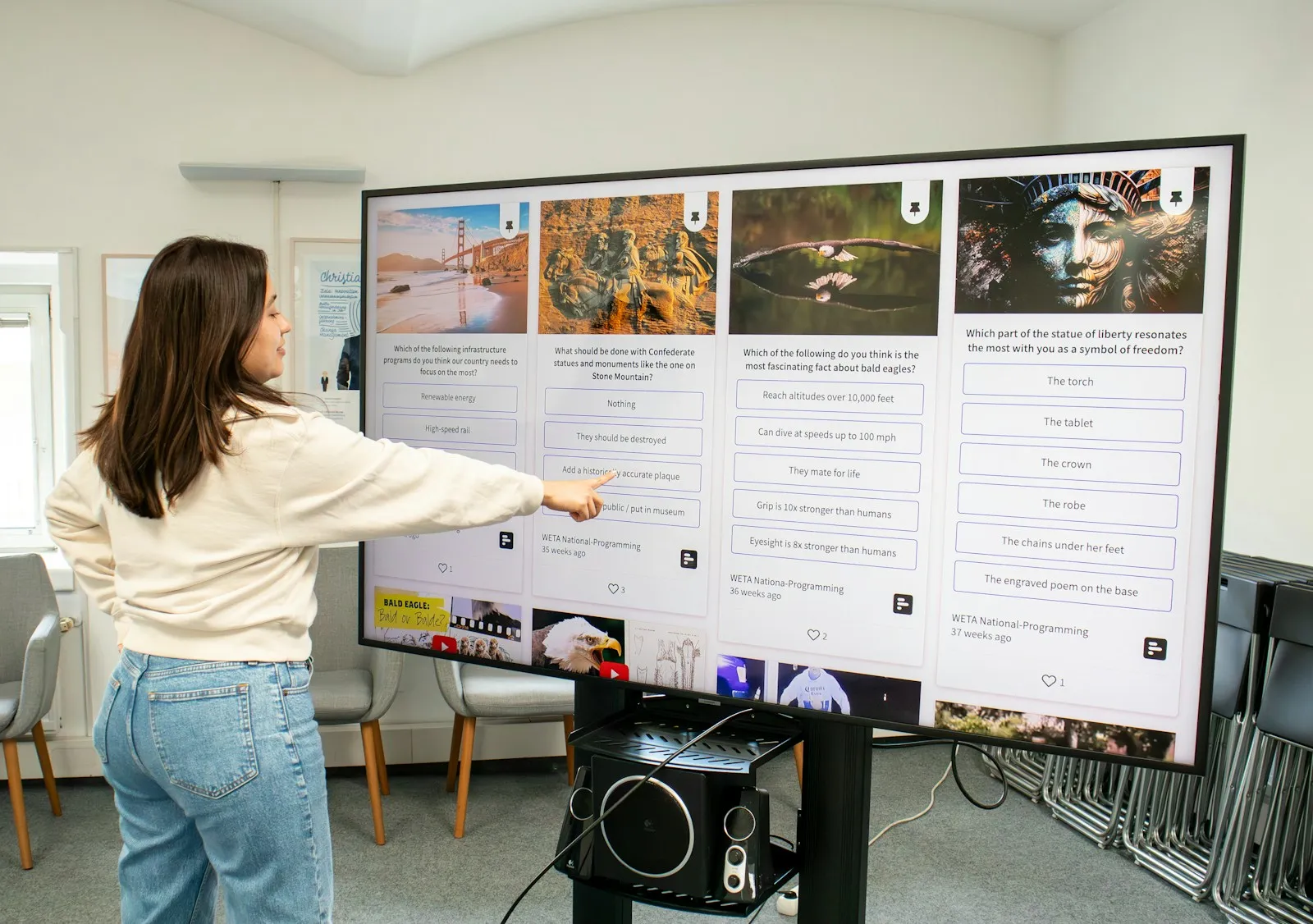
In a school the interactive display is the most used device in the classroom. The teacher writes, plays video and opens lessons from a laptop or the cloud, and students solve tasks right on the screen.
What we offer schools
Classrooms
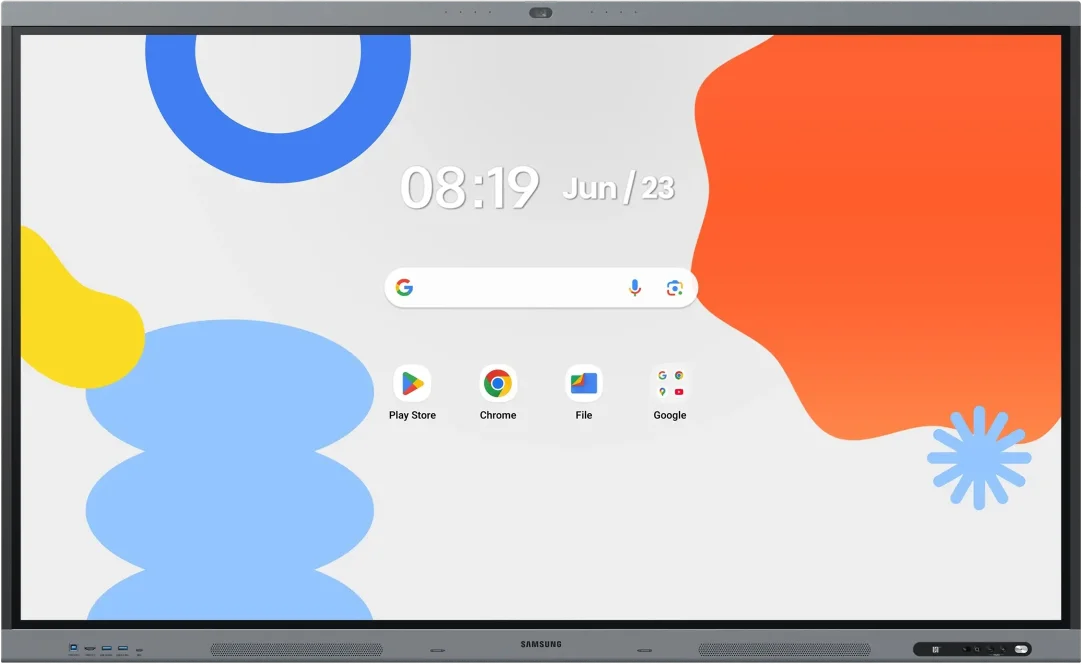
Interactive displays in 75″ or 85″ suit most classrooms. Flip Pro lets four students write at the same time. WAFX-P with Android 15 works with Google Classroom and Google Drive, and its camera and microphones allow a lesson with remote students.
Subject rooms and labs
A mobile stand lets one display serve several rooms. Wireless sharing shows the teacher's or a student's screen without a cable.
Lobby and corridors
UHD displays show the timetable, lesson changes, announcements and student achievements.
Room signs
e-Paper signs show the room schedule and run on a battery.
Recommended displays for schools
All products →-
Interactive DisplaysIn stock -
Interactive DisplaysIn stock Samsung WM75F
75″ · 450 nit · 12/7 · 4K UHD · touch €2,270.00incl. VAT Quote Buy at Xtreme.bg -
Interactive DisplaysIn stock Samsung WM85F
85″ · 450 nit · 12/7 · 4K UHD · touch €3,309.98incl. VAT Quote Buy at Xtreme.bg -
Interactive DisplaysOn order Samsung WM75B
75″ · 350 nit · 16/7 · 4K UHD · touch €2,039.00incl. VAT Quote -
UHD DisplaysIn stock Samsung QB55C
55″ · 350 nit · 16/7 · 4K UHD €815.00incl. VAT Quote Buy at Xtreme.bg -
UHD DisplaysIn stock Samsung QB65C
65″ · 350 nit · 16/7 · 4K UHD €1,076.00incl. VAT Quote Buy at Xtreme.bg -
e-Paper DisplaysIn stock Samsung EM13DX
13.3″ · 24/7 · UXGA €488.99incl. VAT Quote Buy at Xtreme.bg



Try it yourself
Interactive display
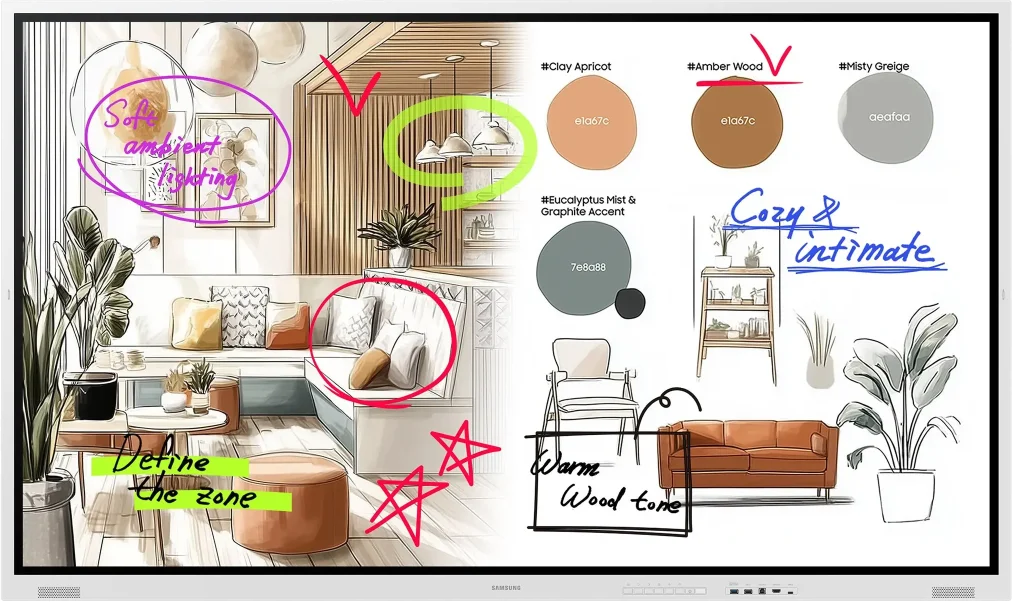
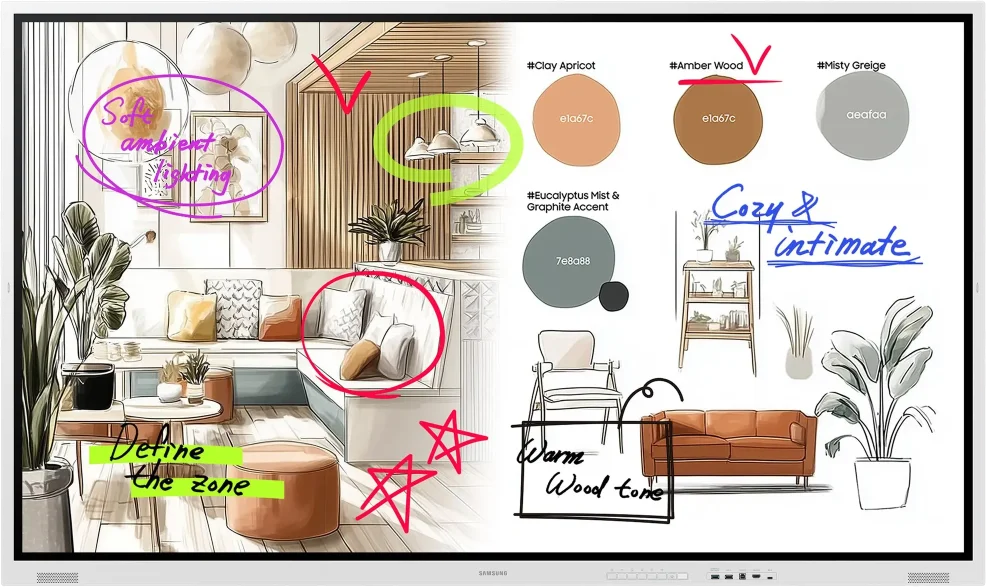
Draw with a mouse or a finger — this is how the Samsung Flip Pro and WAFX-P interactive displays work.
Marker colour
Draw something here
How a project runs
- 01ConsultationWe learn the place, the task and the budget.
- 02ProposalWe pick models, mounts and software and send an offer.
- 03Delivery and installationWe deliver, install and set up the screens.
- 04Training and supportWe show your team how to manage the content and stay on call.
Questions about schools
Does every classroom need a computer?
Not necessarily. Flip Pro (WM-F) has a built-in whiteboard, a web browser and access to Microsoft 365 in the browser. WAFX-P runs Android 15 and has Chrome, Google Drive and Google Play, from which learning apps are installed. The teacher's laptop connects by cable or wirelessly when the lesson is prepared on it.
Will our existing materials work — presentations, PDF files, videos?
Yes. Anything that opens on the teacher's laptop is shown on the display over HDMI or wirelessly. Flip Pro (WM-F) can write over any source (Note-On), so the teacher highlights and adds notes right over the presentation or the video. On WAFX-P files also open from Google Drive.
Can the board be split so that several students work on separate tasks?
Yes. The note app of WAFX-P splits one page into up to four independent areas — each student solves their own task without disturbing the others. It works well for contests and group work. On Flip Pro four students write at the same time on a shared board.
What does the school network need?
Flip Pro (WM-F) has Wi-Fi 5 (802.11ac) and a LAN port, and WAFX-P has Wi-Fi 6 and two LAN ports. We recommend a wired connection where the room has a network socket, and good Wi-Fi coverage in the classroom for wireless sharing from laptops and phones. The whiteboard works without internet; the browser and cloud services need a connection.
Can all boards in the school be set up from one place?
Yes. For WAFX-P Samsung offers a system for central management of the displays' settings and apps. Flip Pro (WM-F) works with Samsung VXT and Tizen Business Manager. The IT person sets up the boards remotely, without walking from classroom to classroom.
Will the display last a full school day with afternoon activities?
Yes. Flip Pro (WM-F) is designed for up to 12 hours of operation a day, and the previous-generation Flip Pro (WM-B) for up to 16 hours, 7 days a week. Both cover the morning and the afternoon shift. Switch the display off after the last lesson so that it does not run needlessly.
Light up your project
Tell us how many rooms and screens you want to equip — we will send a specific proposal.