
Solution · Education
Training Centres
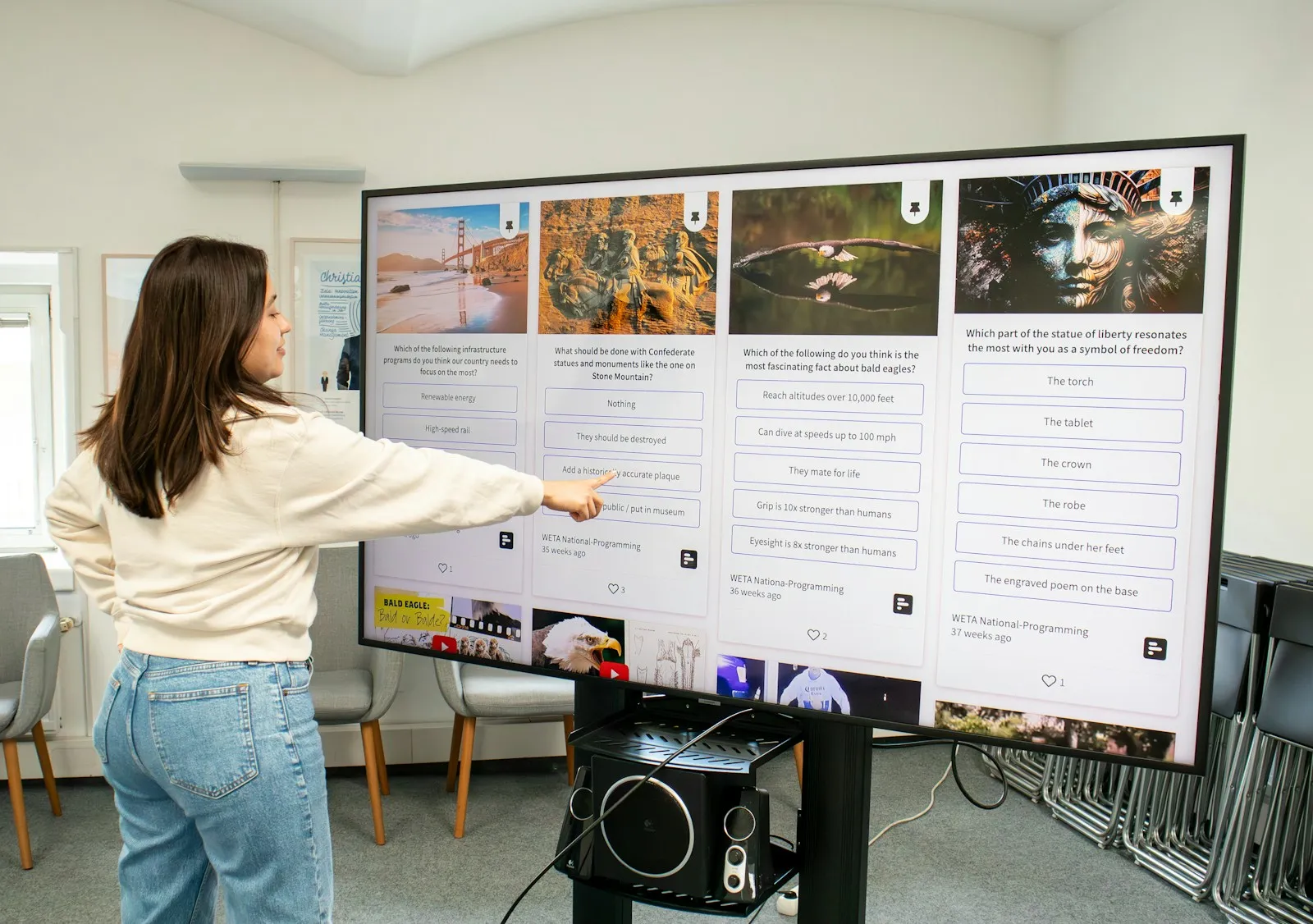
In training centres rooms are used for different courses during the day, often with remote participants. An interactive display lets the trainer start the session straight away — without a projector, cables or setup.
What we offer training centres
Rooms for small groups
Interactive displays in 55″ or 65″ suit small rooms. The trainer writes over the material, and participants share their screen wirelessly.
Hybrid and online courses
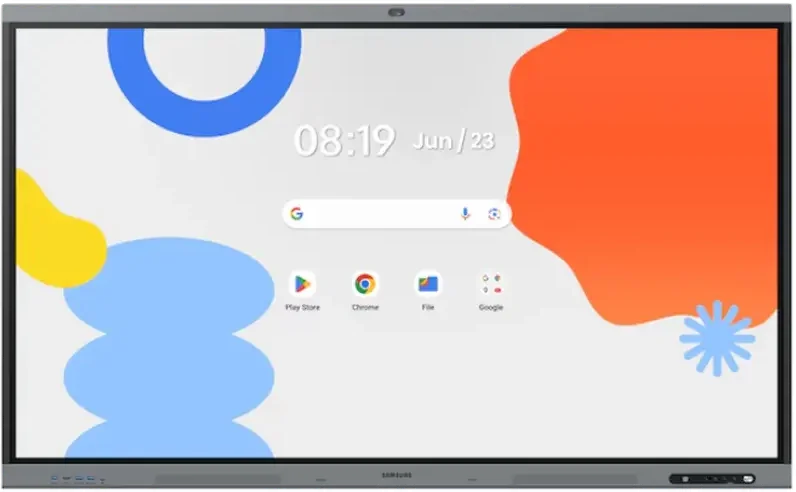
WAFX-P has a built-in camera and microphones, so a course can run in the room and online at the same time, with no extra equipment.
Reception
A UHD display at the reception shows the course schedule, new groups and promotions.
Recommended displays for training centres
All products →-
Interactive DisplaysOn order -
Interactive DisplaysIn stock Samsung WM65F
65″ · 450 nit · 12/7 · 4K UHD · touch €1,434.98incl. VAT Quote Buy at Xtreme.bg -
Interactive DisplaysIn stock Samsung WM55F
55″ · 450 nit · 12/7 · 4K UHD · touch €1,119.98incl. VAT Quote Buy at Xtreme.bg -
UHD DisplaysIn stock Samsung QB55C
55″ · 350 nit · 16/7 · 4K UHD €815.00incl. VAT Quote Buy at Xtreme.bg

Try it yourself
Interactive display
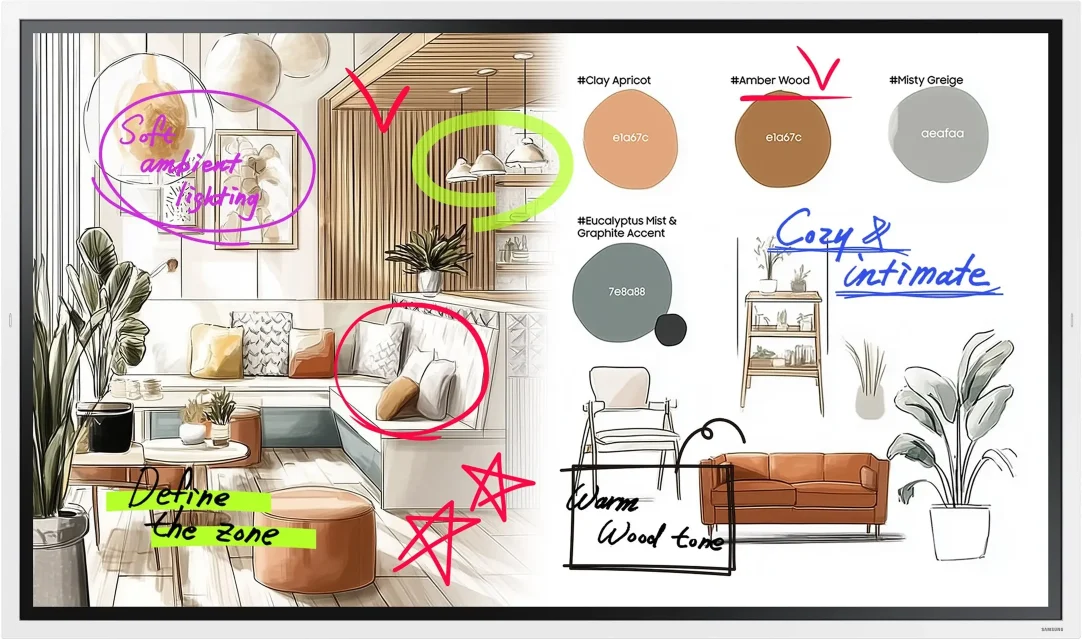
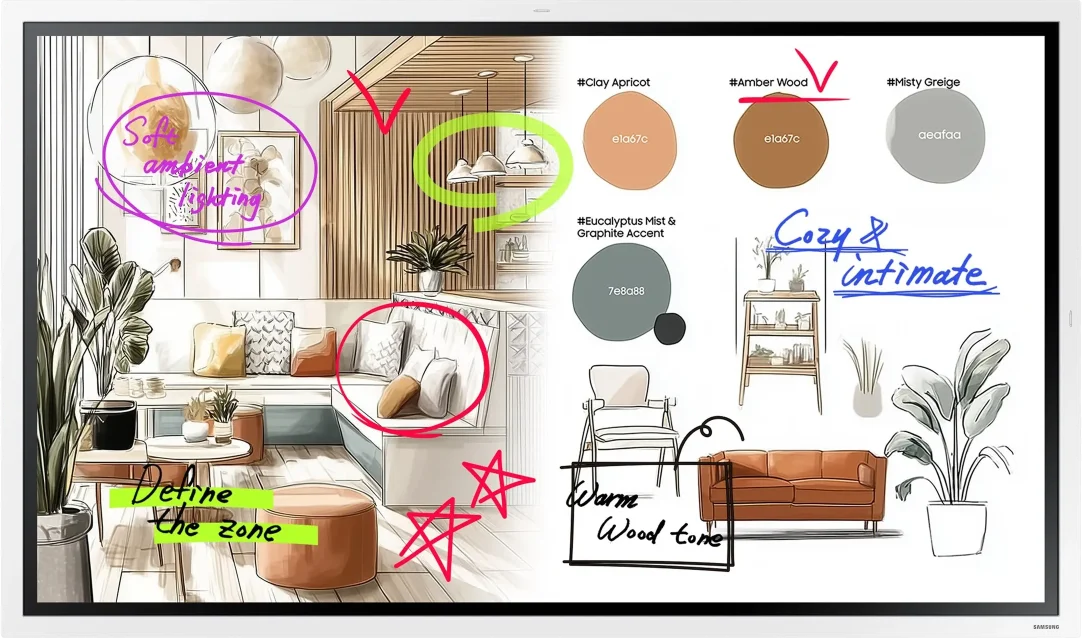
Draw with a mouse or a finger — this is how the Samsung Flip Pro and WAFX-P interactive displays work.
Marker colour
Draw something here
How a project runs
- 01ConsultationWe learn the place, the task and the budget.
- 02ProposalWe pick models, mounts and software and send an offer.
- 03Delivery and installationWe deliver, install and set up the screens.
- 04Training and supportWe show your team how to manage the content and stay on call.
Questions about training centres
Do guest trainers have to install anything to show their presentation?
No. Flip Pro supports AirPlay 2 and Miracast, so Windows laptops and Apple devices share their screen wirelessly with their built-in functions. WAFX-P has a front USB-C port that carries picture and touch over one cable and charges the laptop with up to 65 W, plus two HDMI inputs on the front.
Can we run Windows software directly on the display?
WAFX-P has an OPS slot for an OPS computer with Windows (bought separately) — the course software then runs on the display itself. Flip Pro (WM-F) opens Microsoft 365 in its built-in browser. With both series a connected laptop is controlled by touch from the screen over a USB cable.
How do I open my materials without a laptop?
On Flip Pro (WM-F) sign in to Microsoft 365 in the browser and open your files from the cloud. On WAFX-P materials open from Google Drive. Sign out of your account after the session so that the next group has no access to it.
We have a Flip Pro without a camera — how do we run a hybrid course?
Add an external USB camera or a video bar connected to the laptop that runs the online meeting. The laptop is shown on the Flip Pro, and the trainer writes over the material in front of the camera. If the equipment is due for replacement, WAFX-P has a built-in 48 MP camera and 8 microphones and needs no extra devices.
Can the display be used in portrait, like a flipchart?
Yes — Flip Pro (WM-F) in 55″ and 65″ rotates and works in landscape and in portrait. Portrait suits mind maps, lists and notes during a training session. The 75″ and 85″ models and WAFX-P work in landscape only, and for the previous WM-B generation we confirm the orientation of the specific model in the offer.
Can we buy one display directly, without a quote?
Yes. Most models can be bought directly at xtreme.bg, with an invoice for your company. If you also need a stand, installation or several rooms at once, send a quote request and you will get an offer for all the equipment.
Light up your project
Tell us how many rooms and screens you want to equip — we will send a specific proposal.